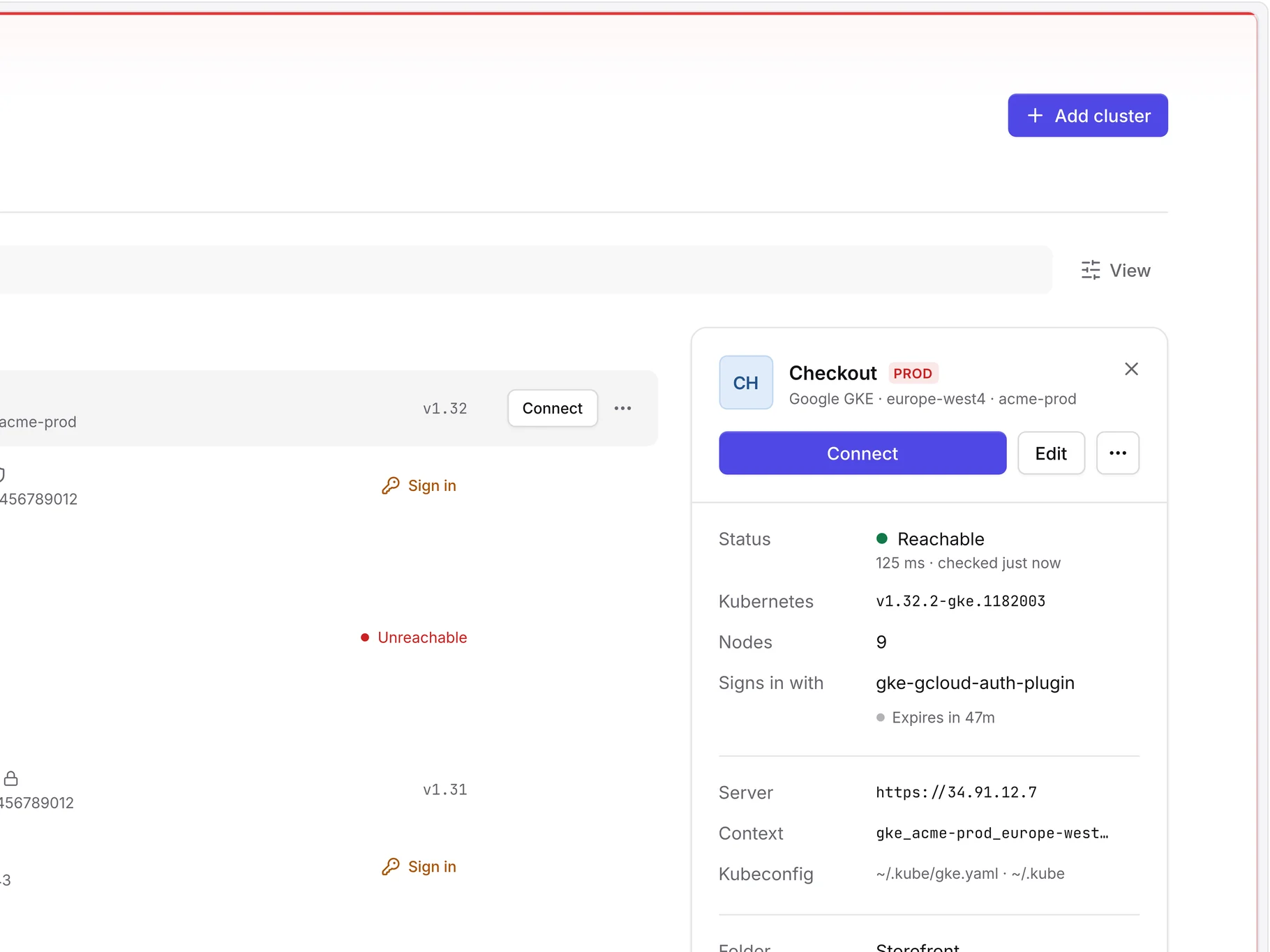
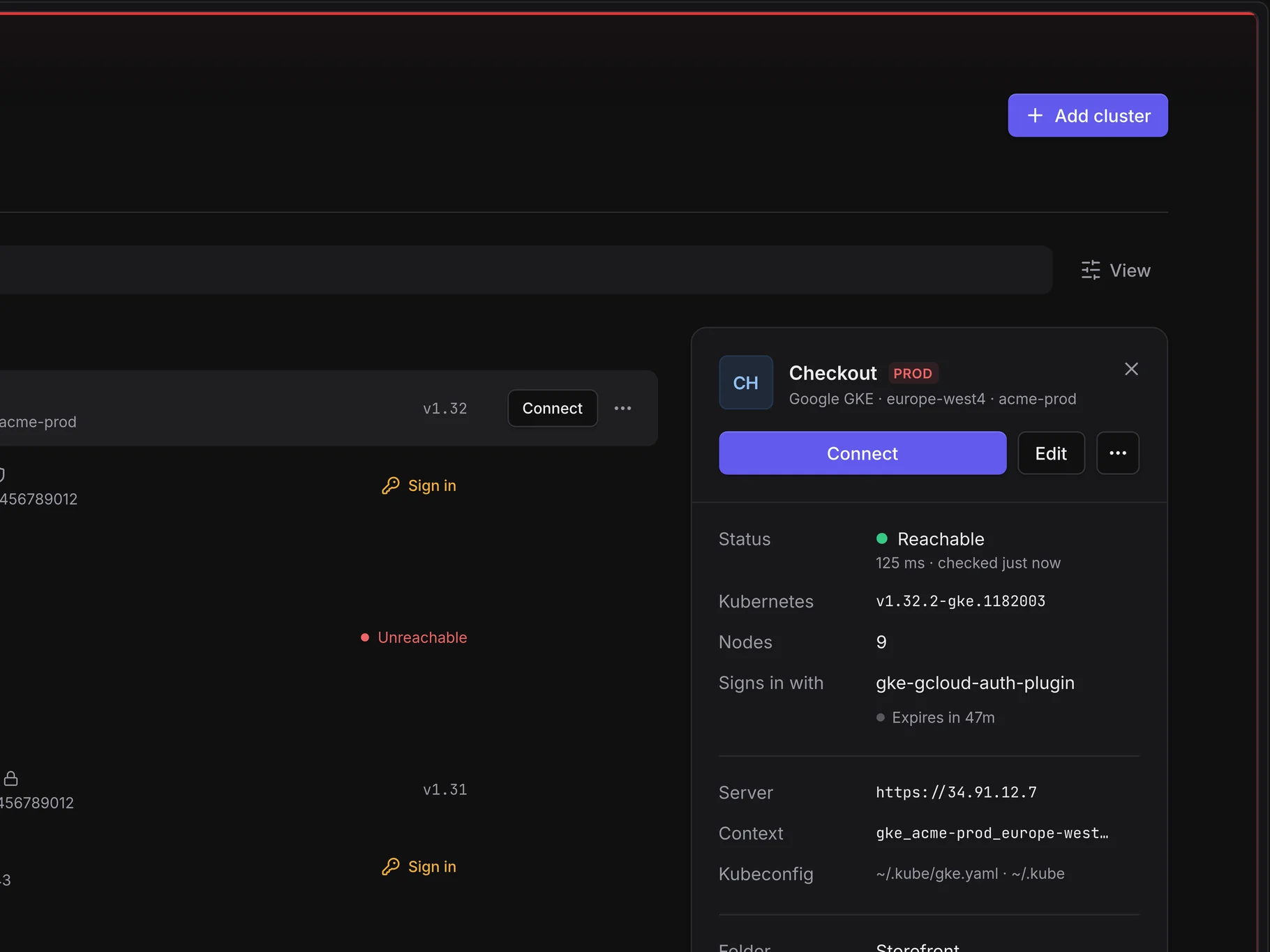
Every cluster, one hub.
Every cluster from every kubeconfig and cloud account, named, sorted and checked, a keystroke away.
- Names, colours, folders and tags
- Status, version and sign-in at a click
- Open it with ⌘O or Ctrl+O
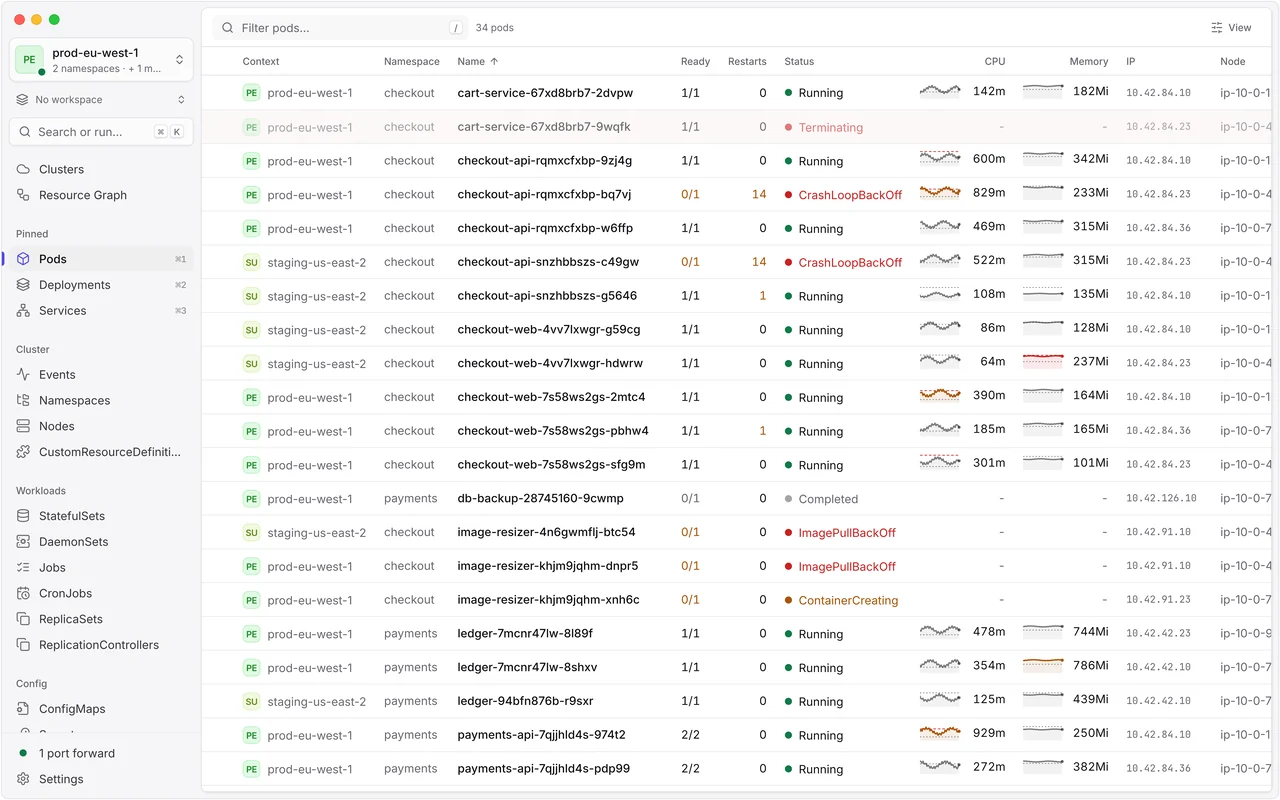
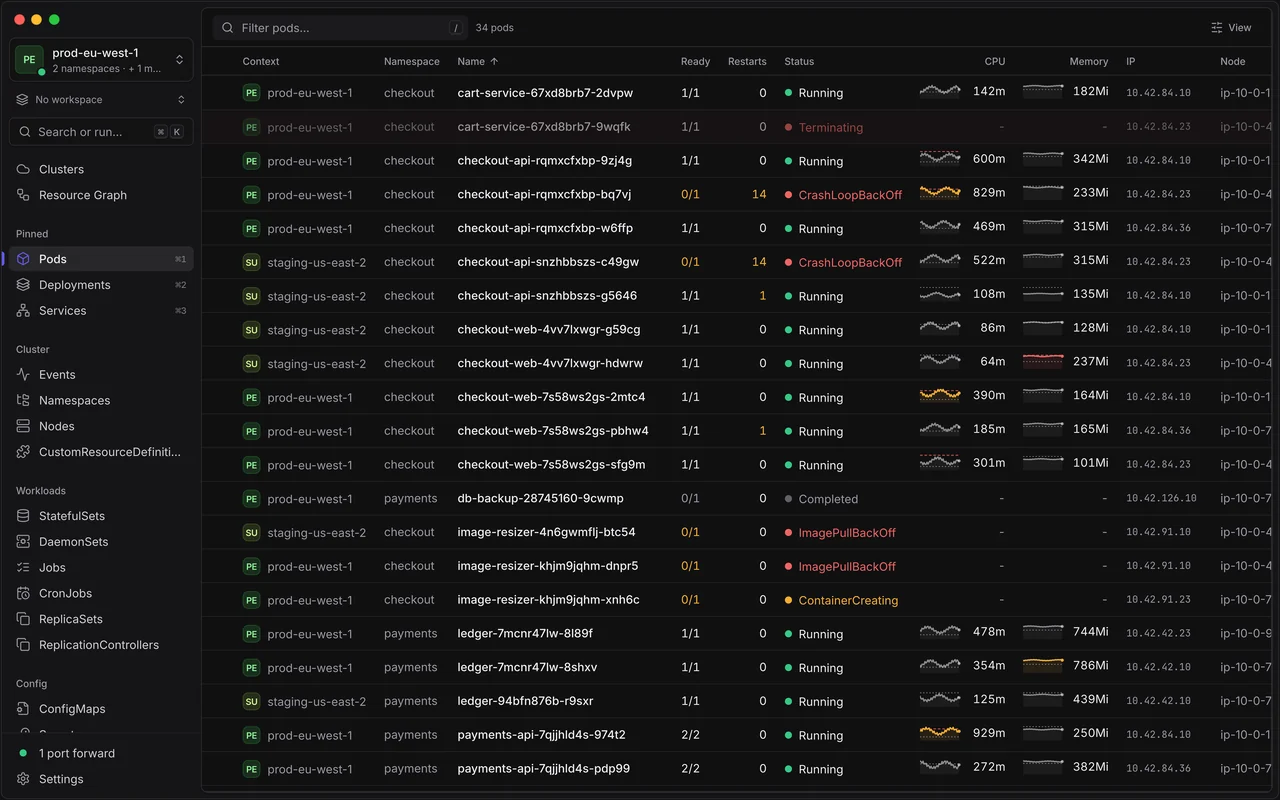
JET Pilot is a fast, native and open-source Kubernetes desktop client. Every cluster, from your kubeconfig or your cloud, in one calm app that updates live.
Free and MIT licensed · macOS, Windows and Linux
Every cluster from every kubeconfig and cloud account, named, sorted and checked, a keystroke away.
New in 2.2
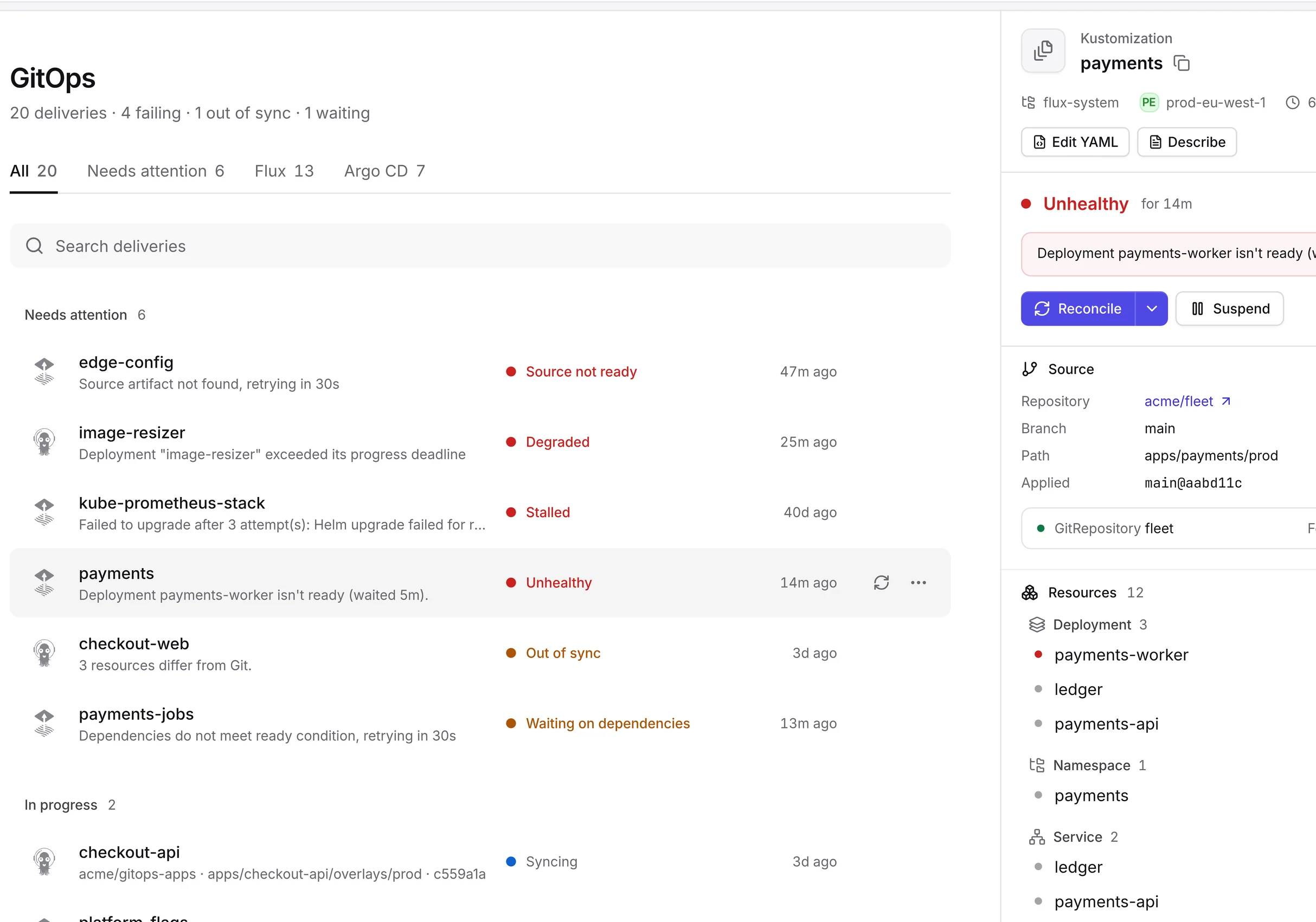
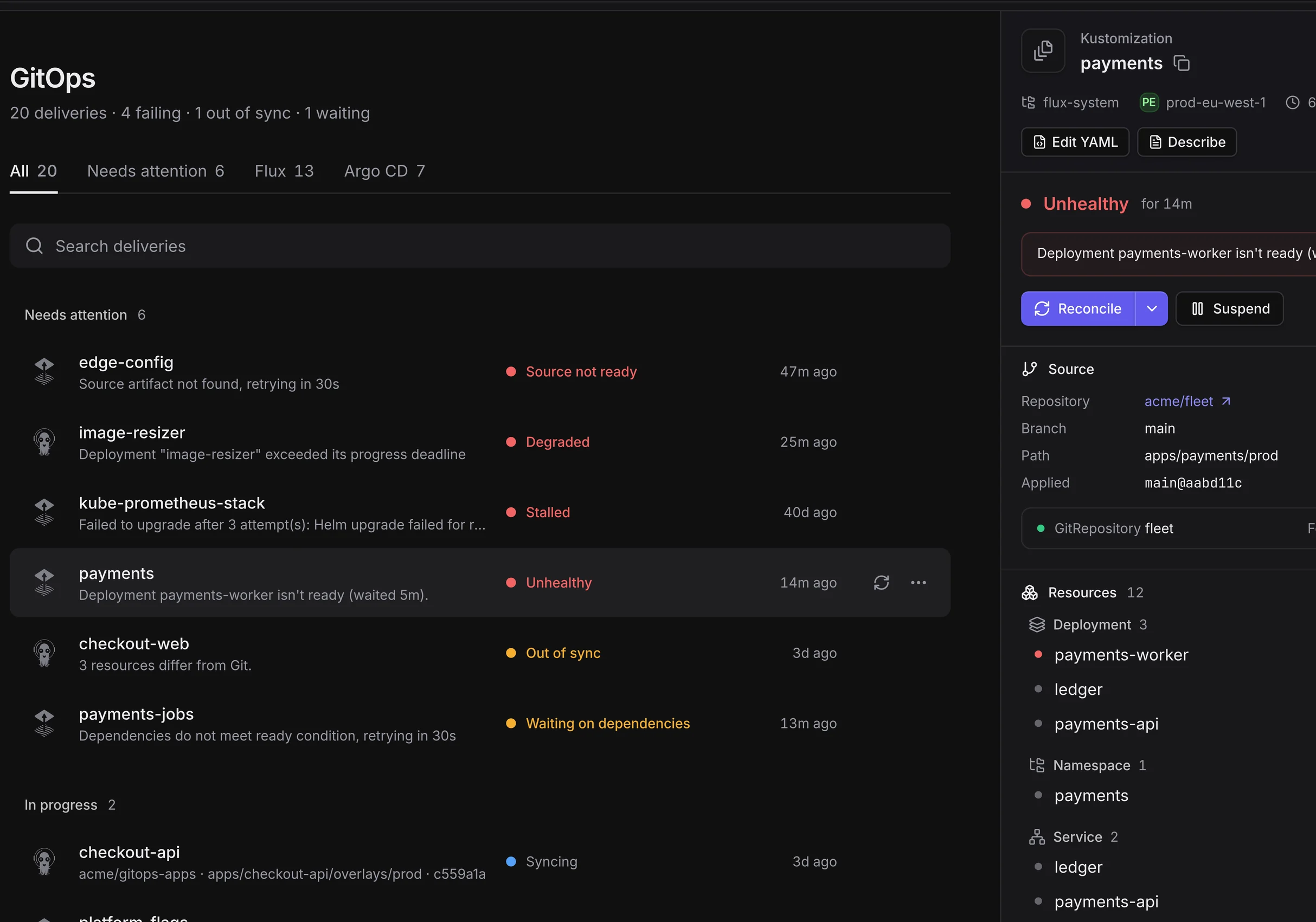
Every Flux and Argo CD delivery across your clusters on one page, problems first.
New in 2.2
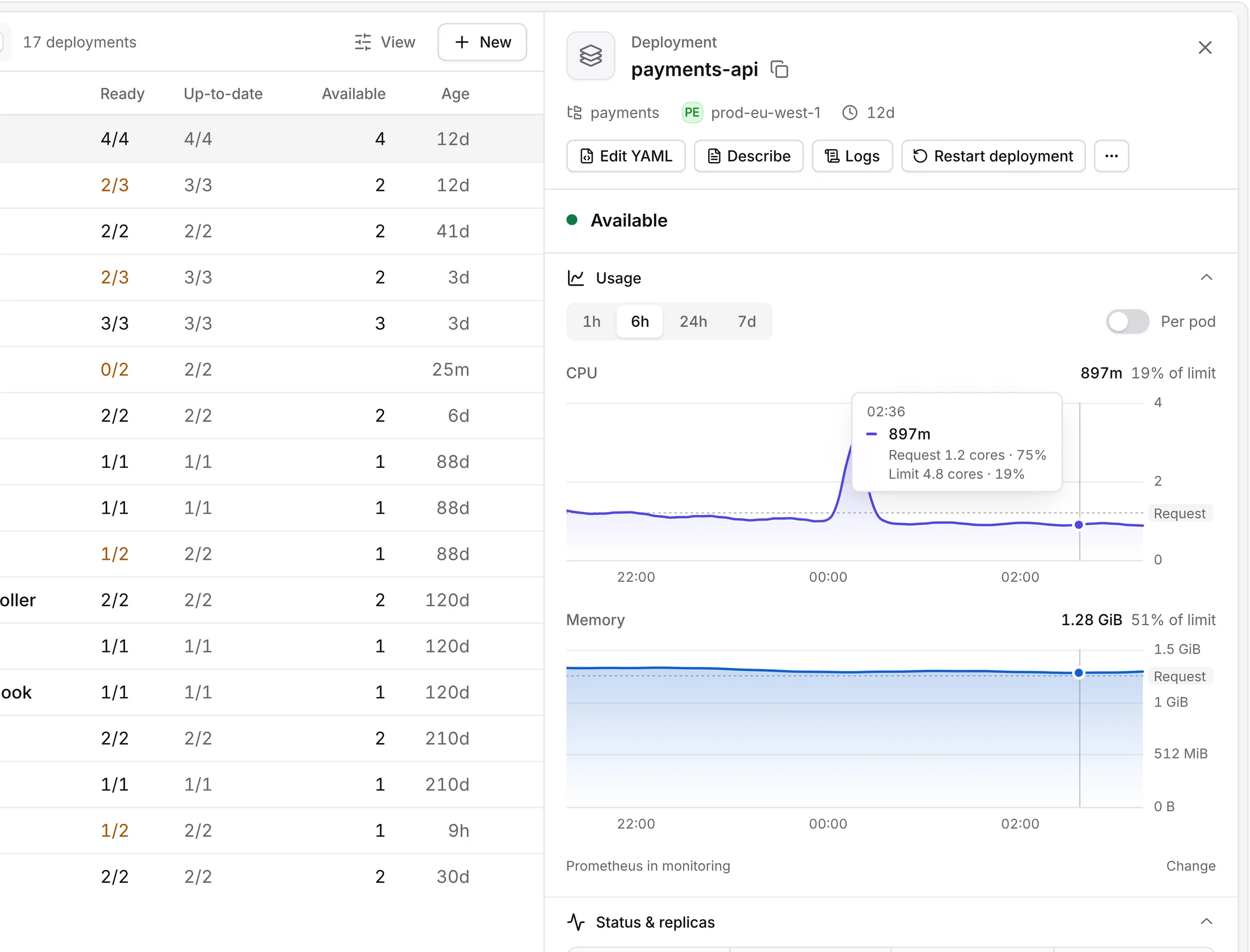
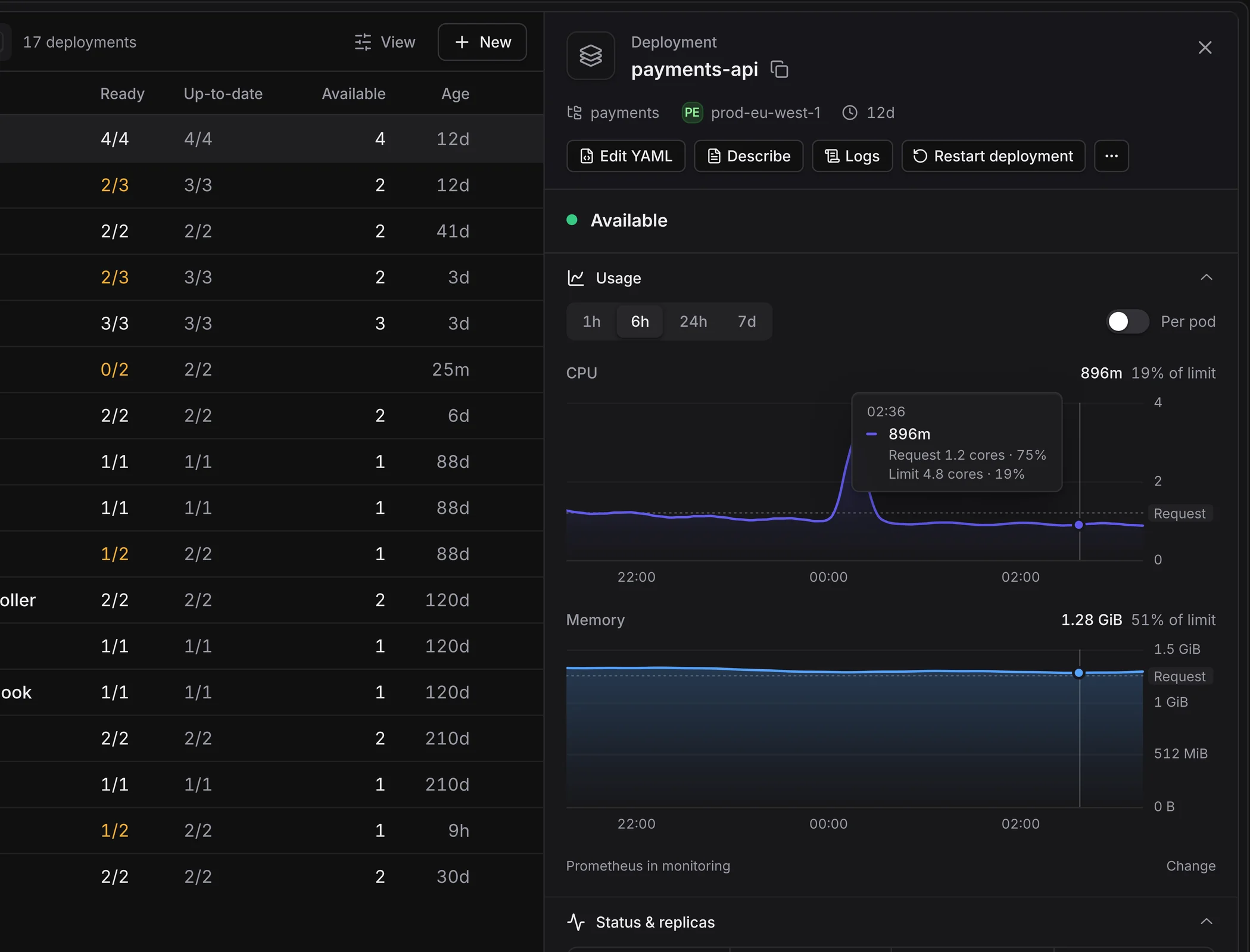
CPU and memory over an hour to a week, right in the side panel, with requests and limits drawn in.
New in 2.2
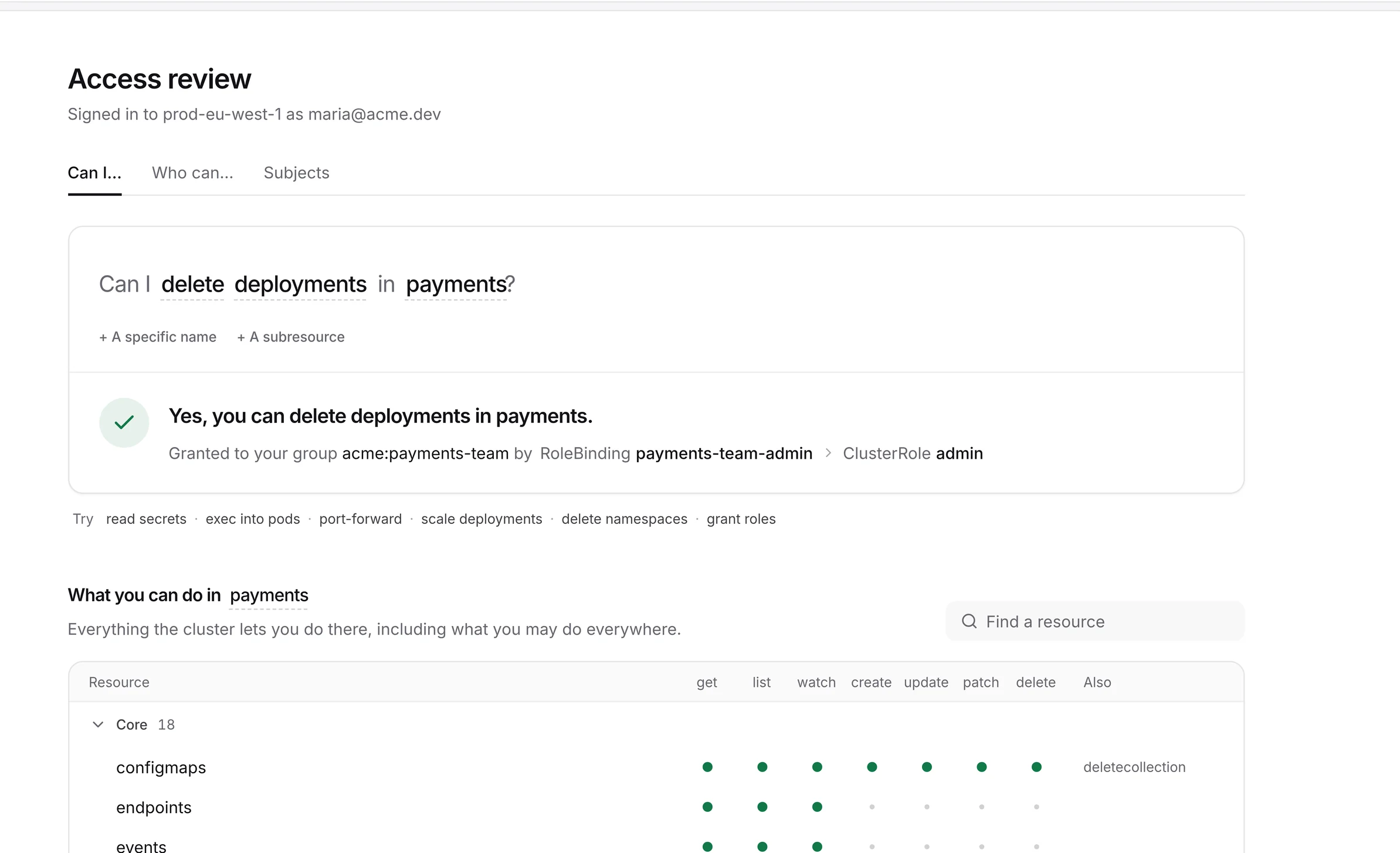
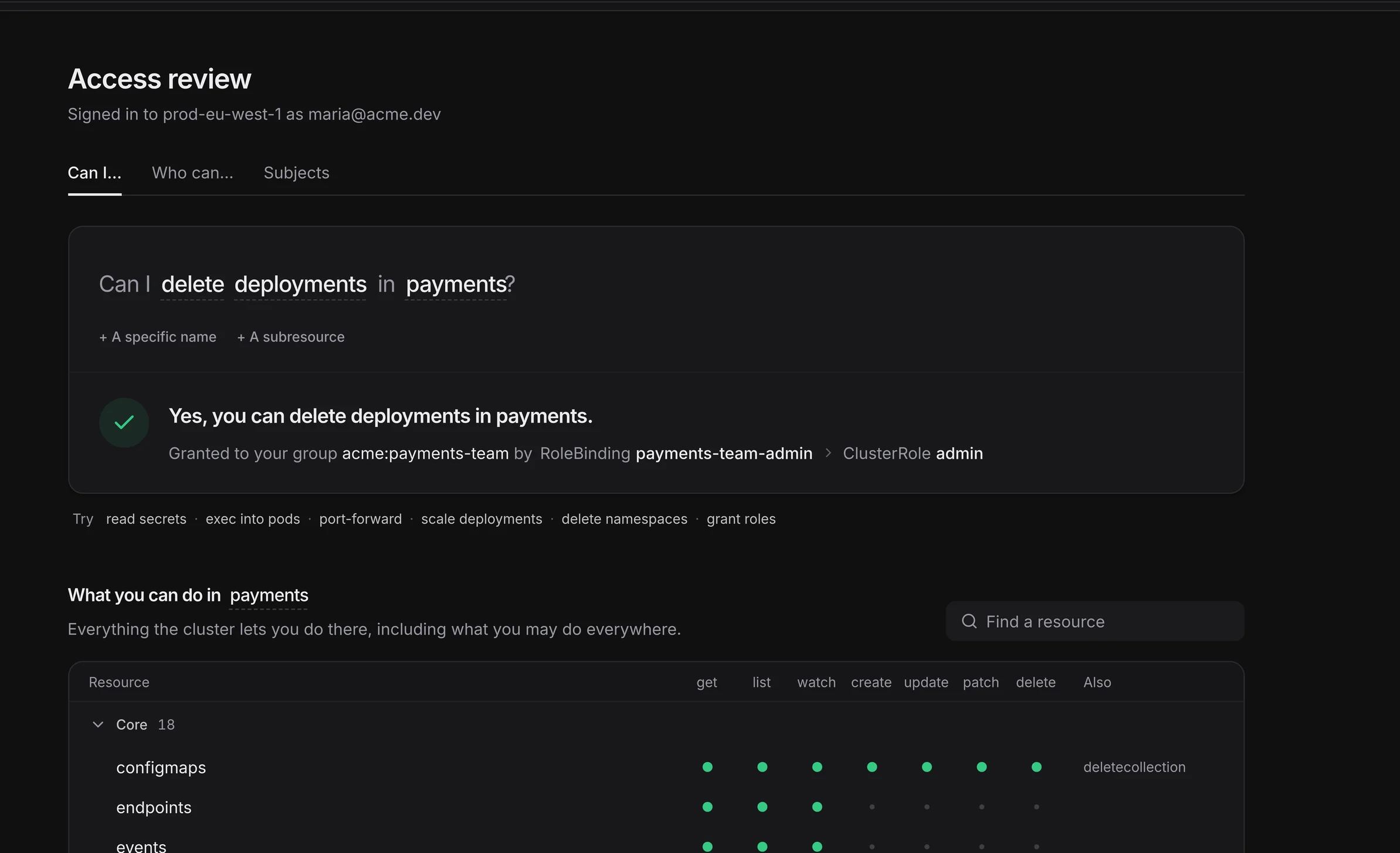
Ask “Can I delete deployments in payments?” and get a yes or no, with the binding and role behind it.
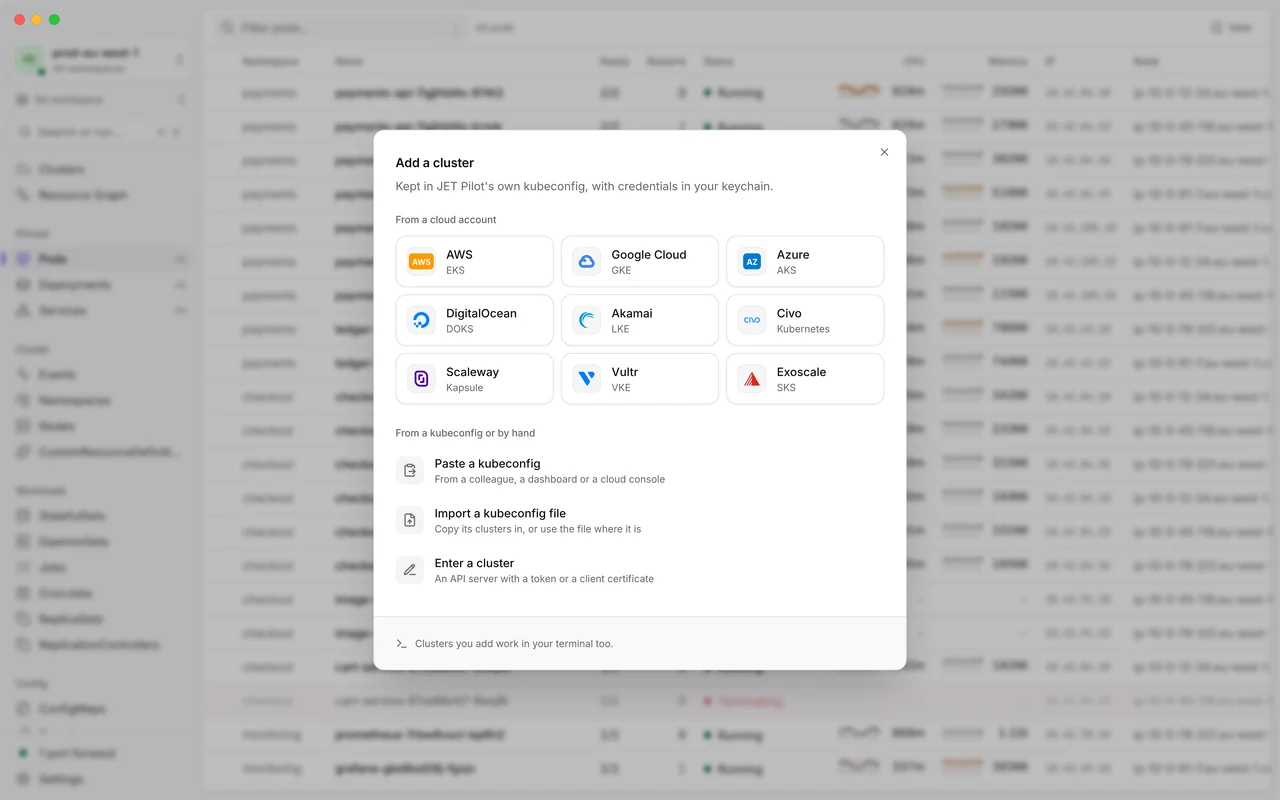
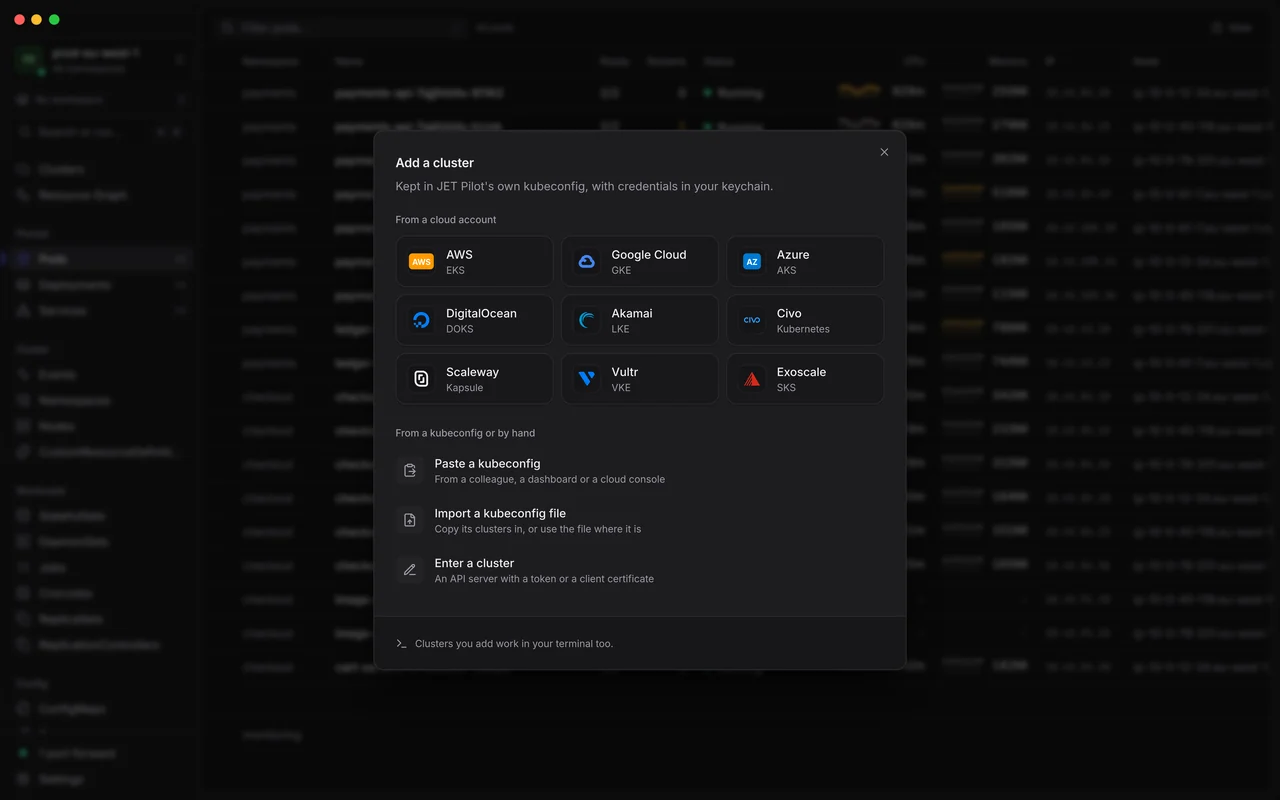
Connect an account and JET Pilot finds its clusters, and keeps the list current.
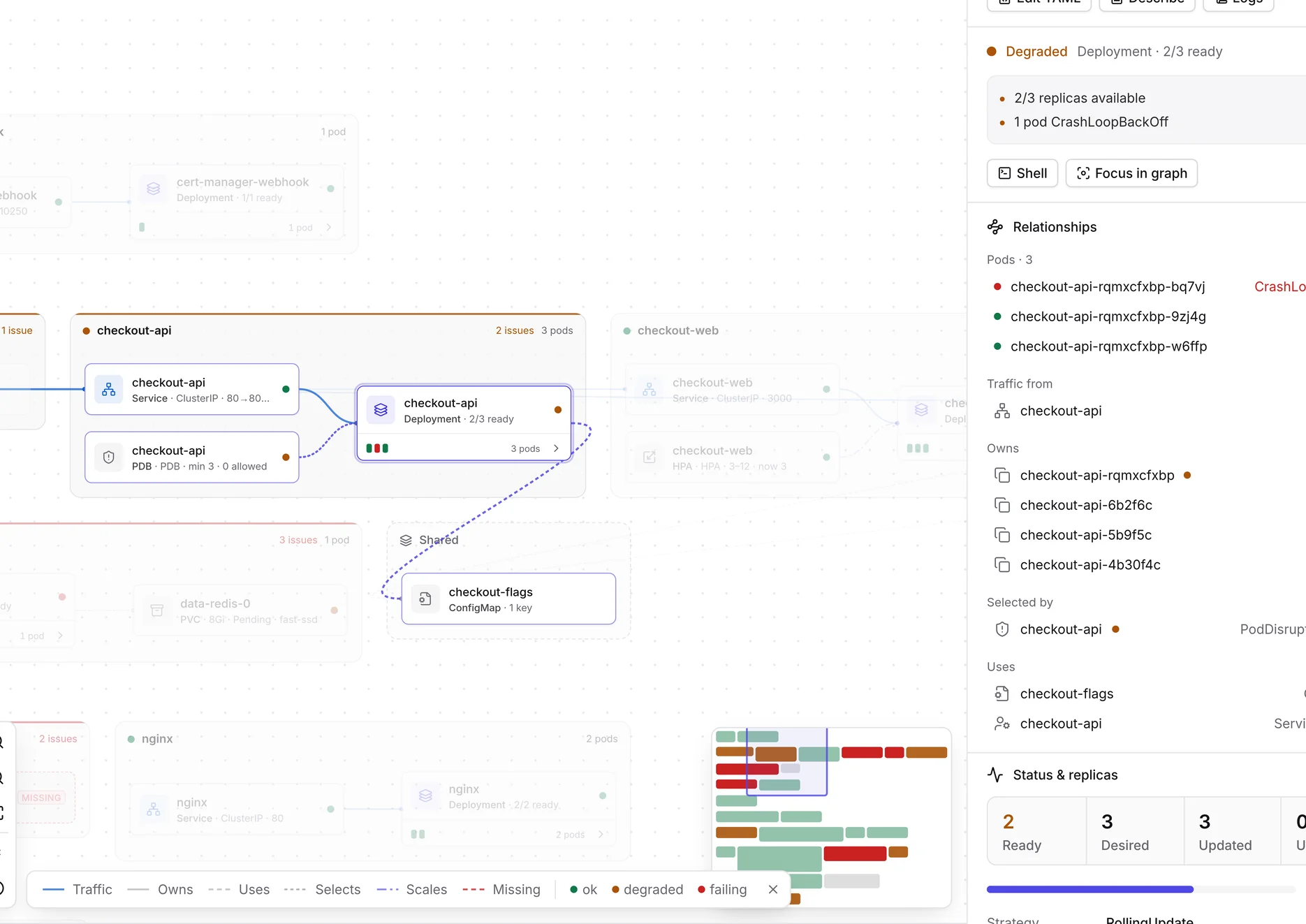
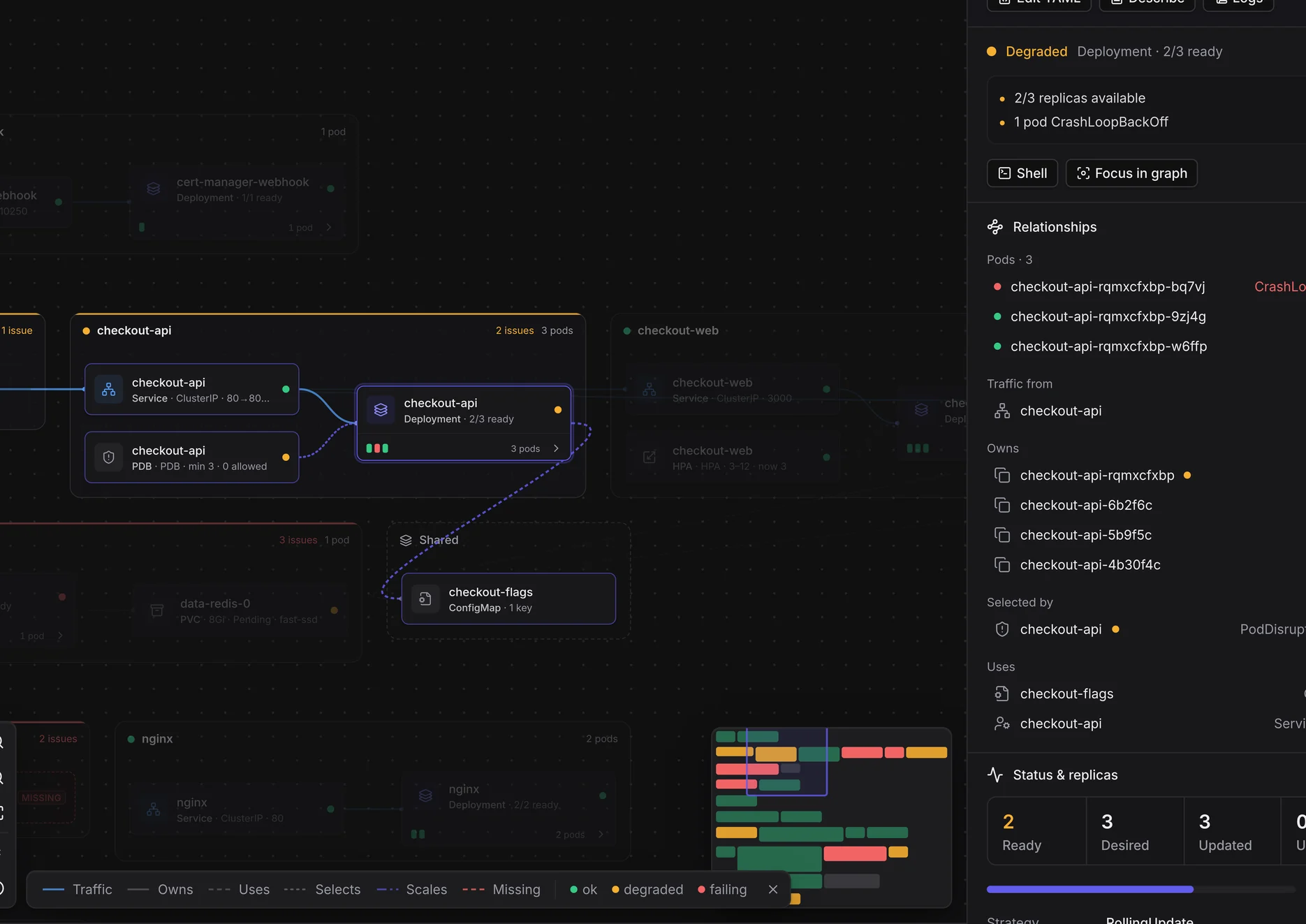
Every app gets its own lane, from Ingress to Service to Pods, and health rolls up from pods to apps.
The details you reach for every day, all in the free app.
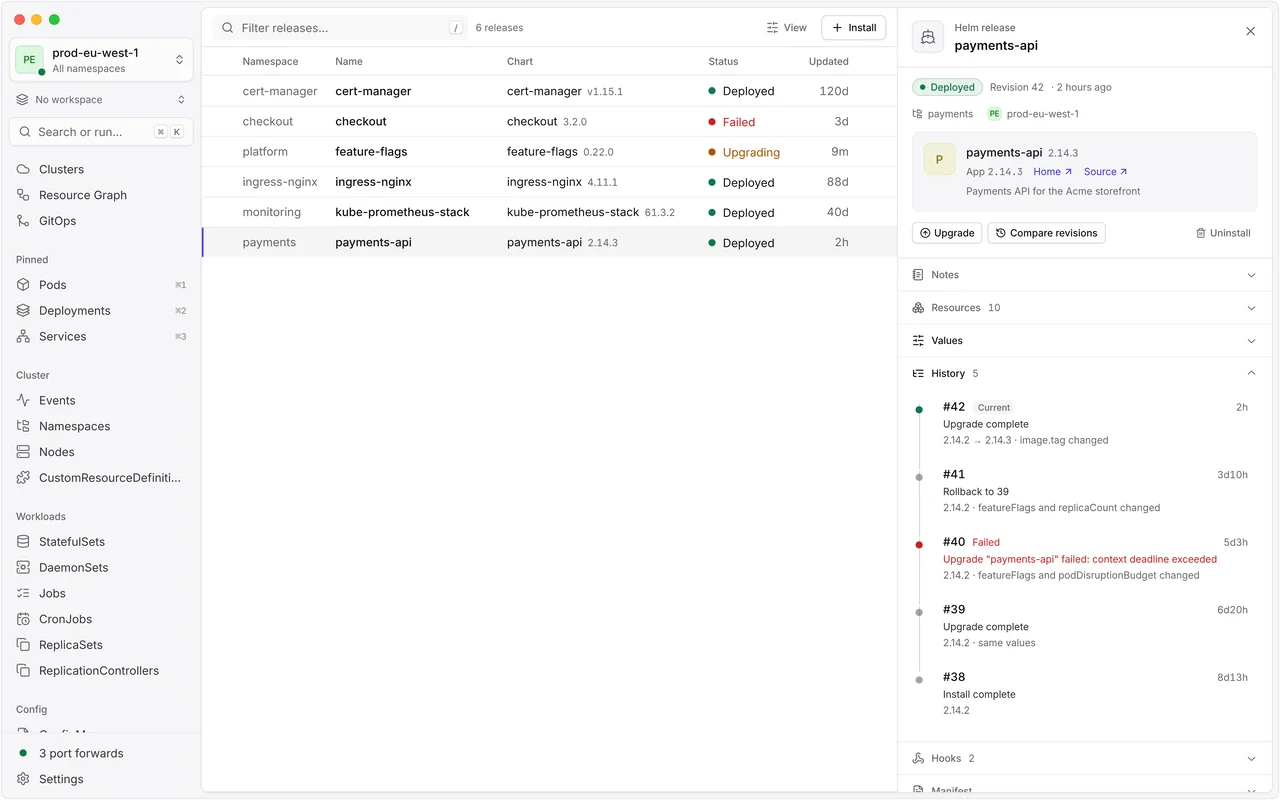
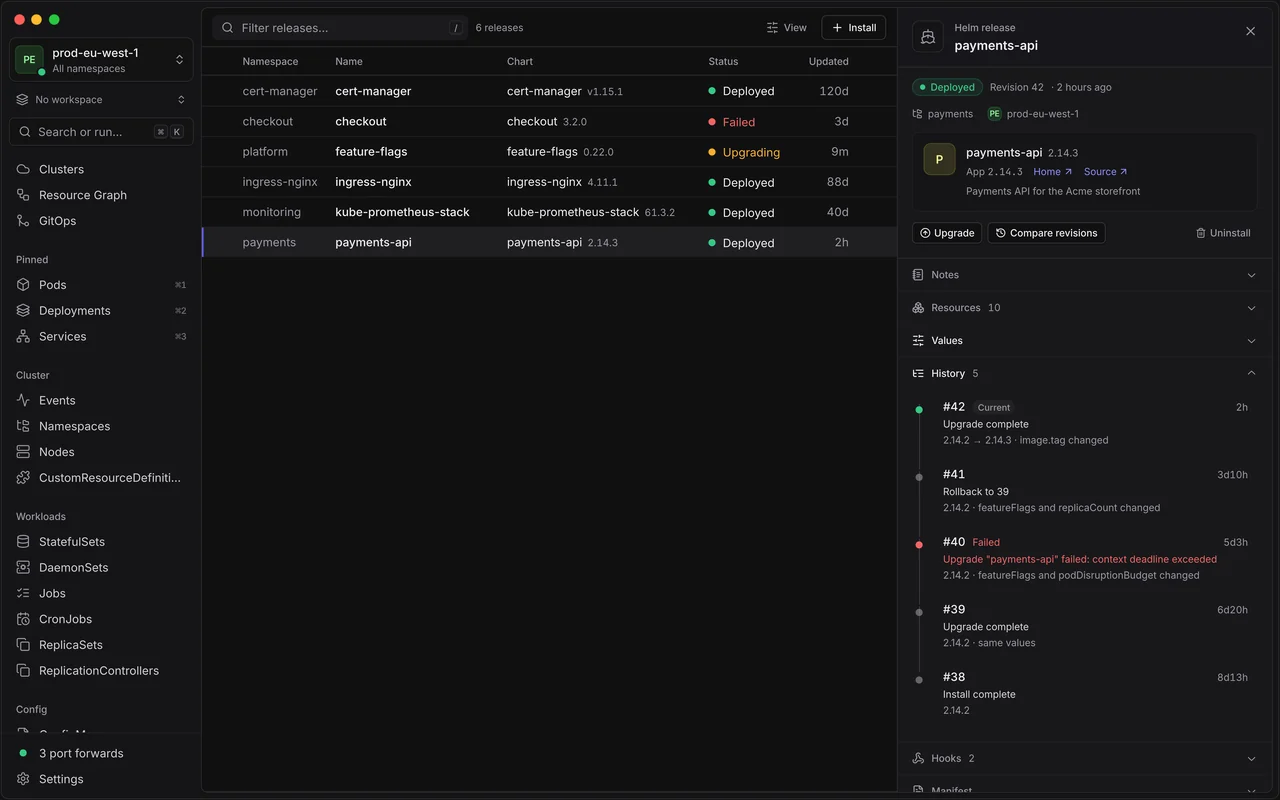
Releases read straight from the cluster, a history that says what changed, chart search and a guided install.
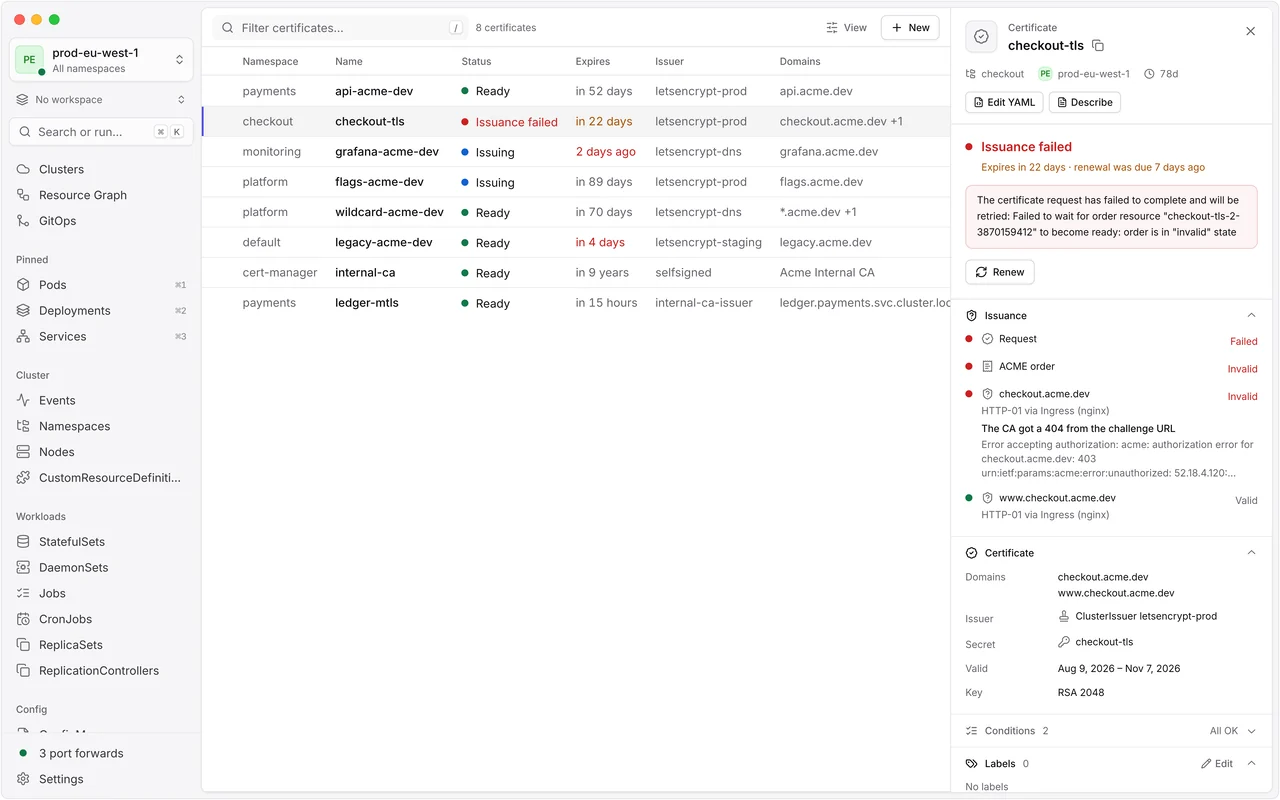
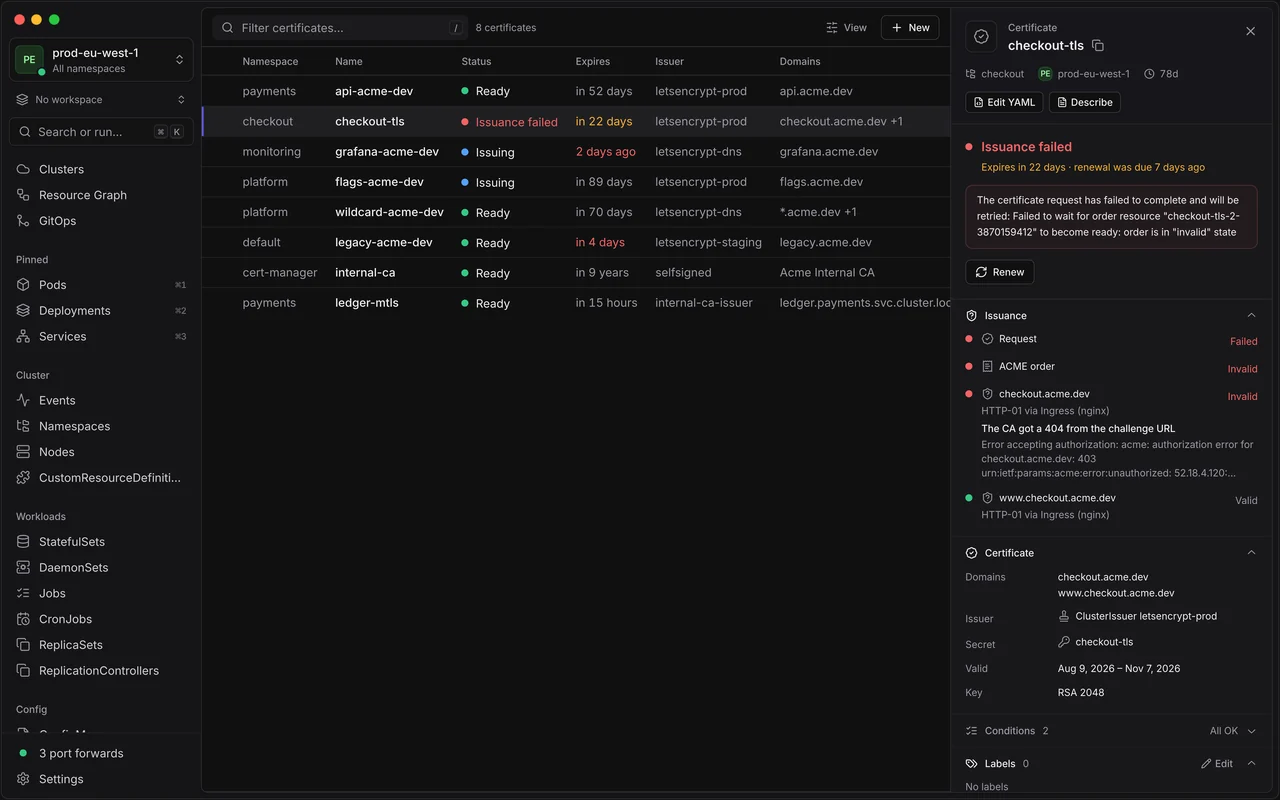
cert-manager, Gateway API, Karpenter, KEDA, External Secrets and Prometheus Operator, in plain words.
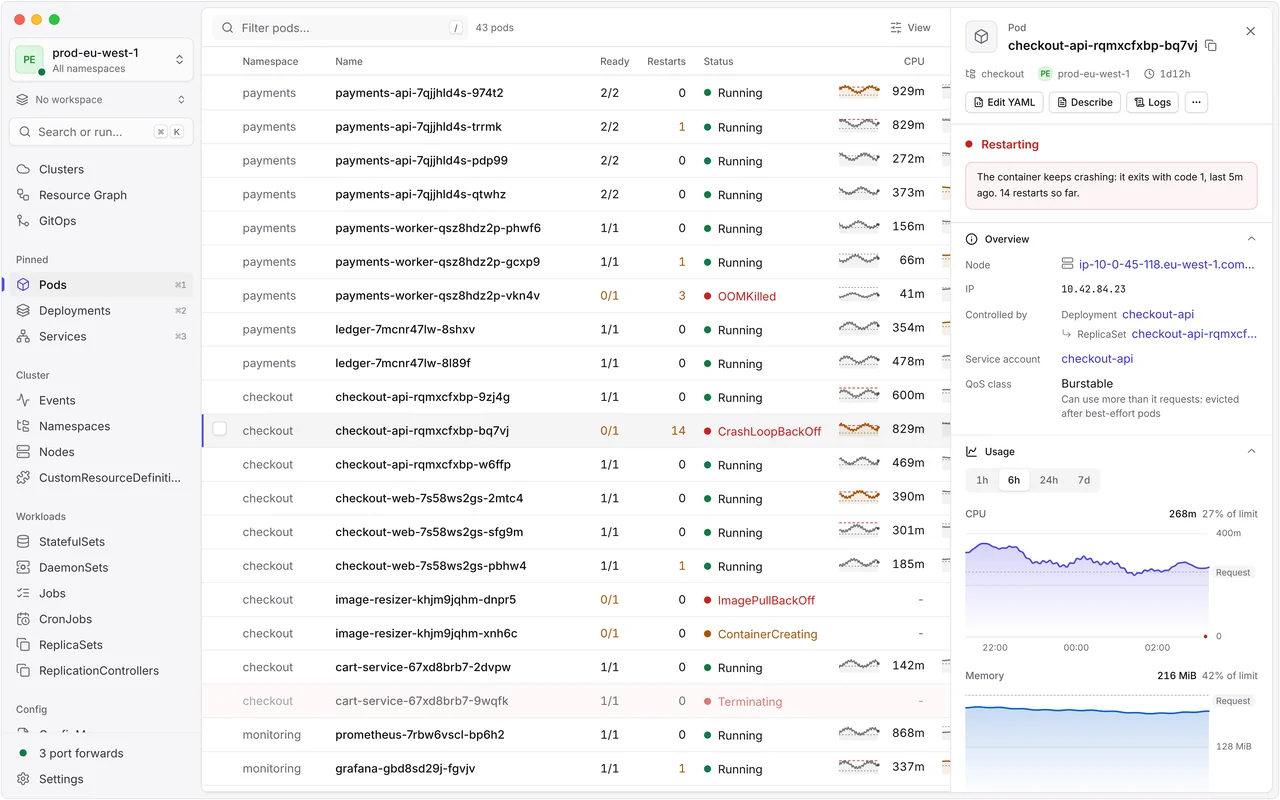
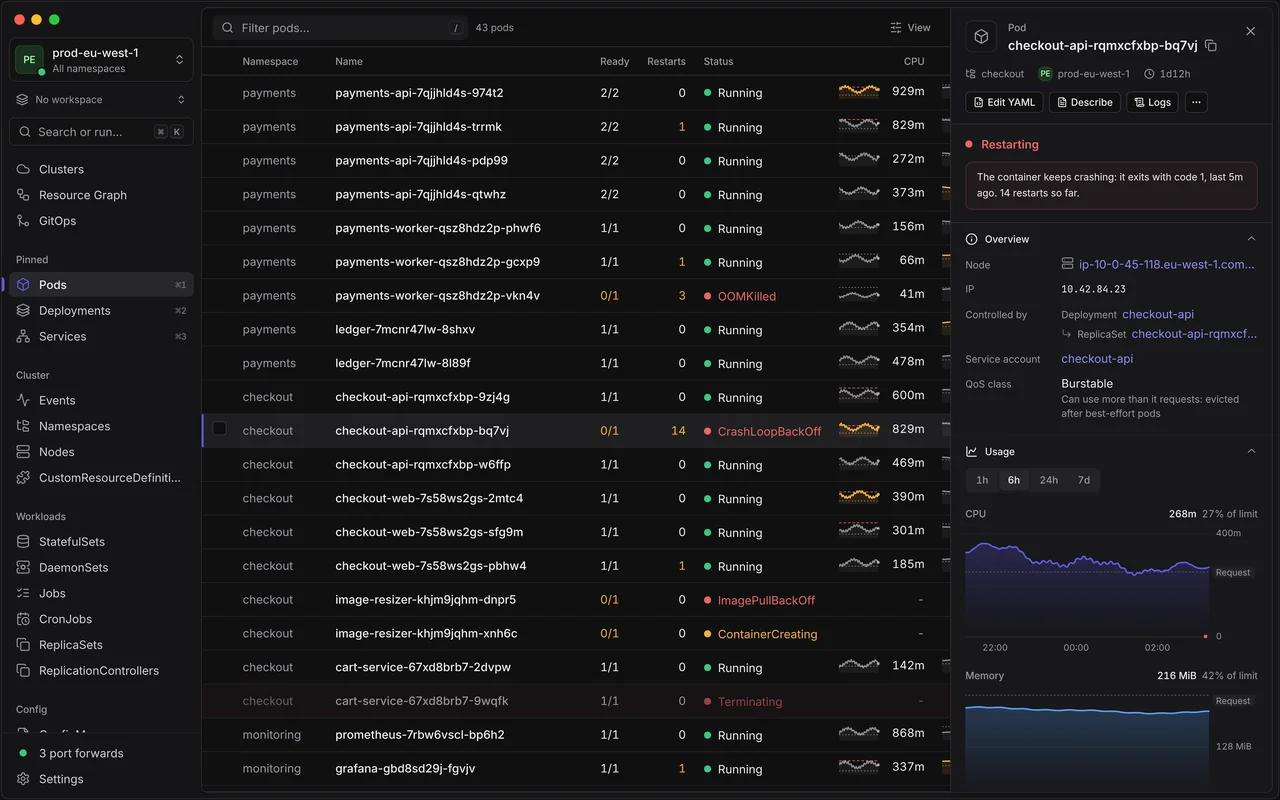
Every side panel opens with the object’s state in a sentence, and links to what it’s connected to.
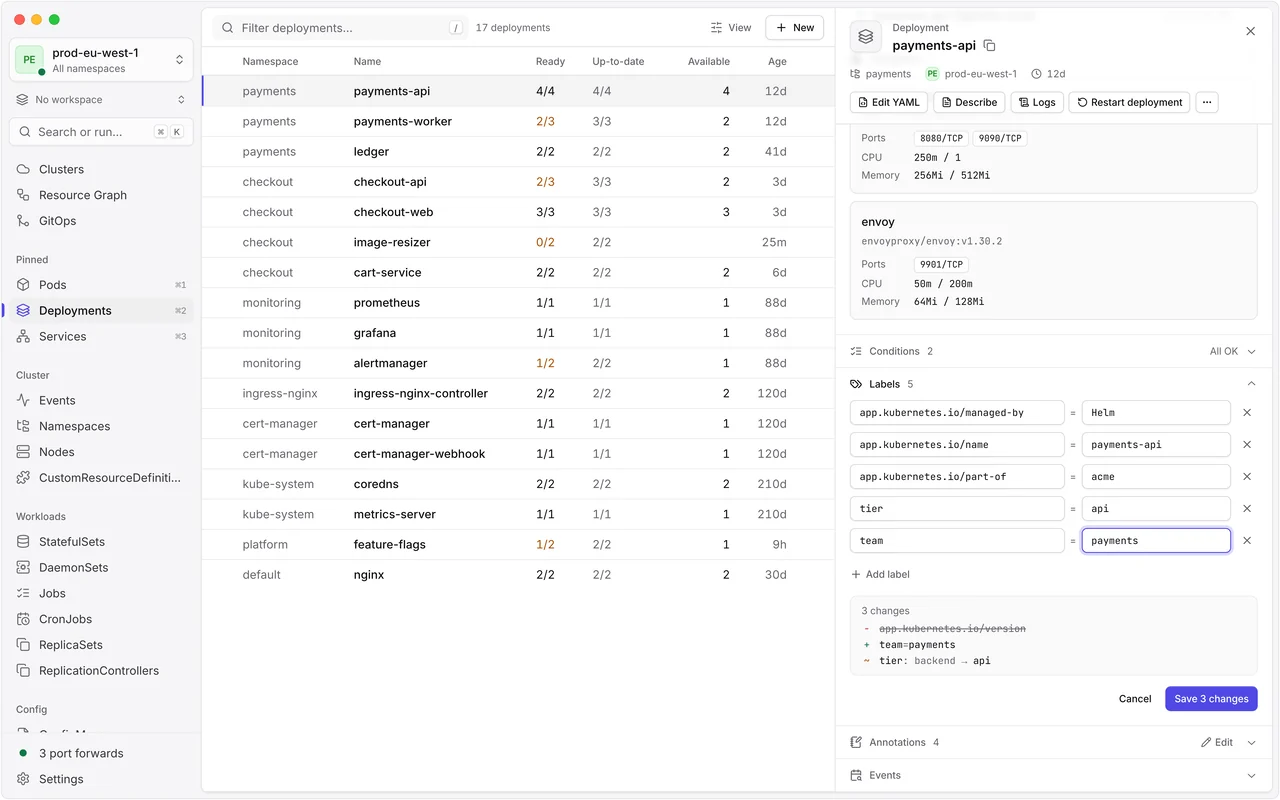
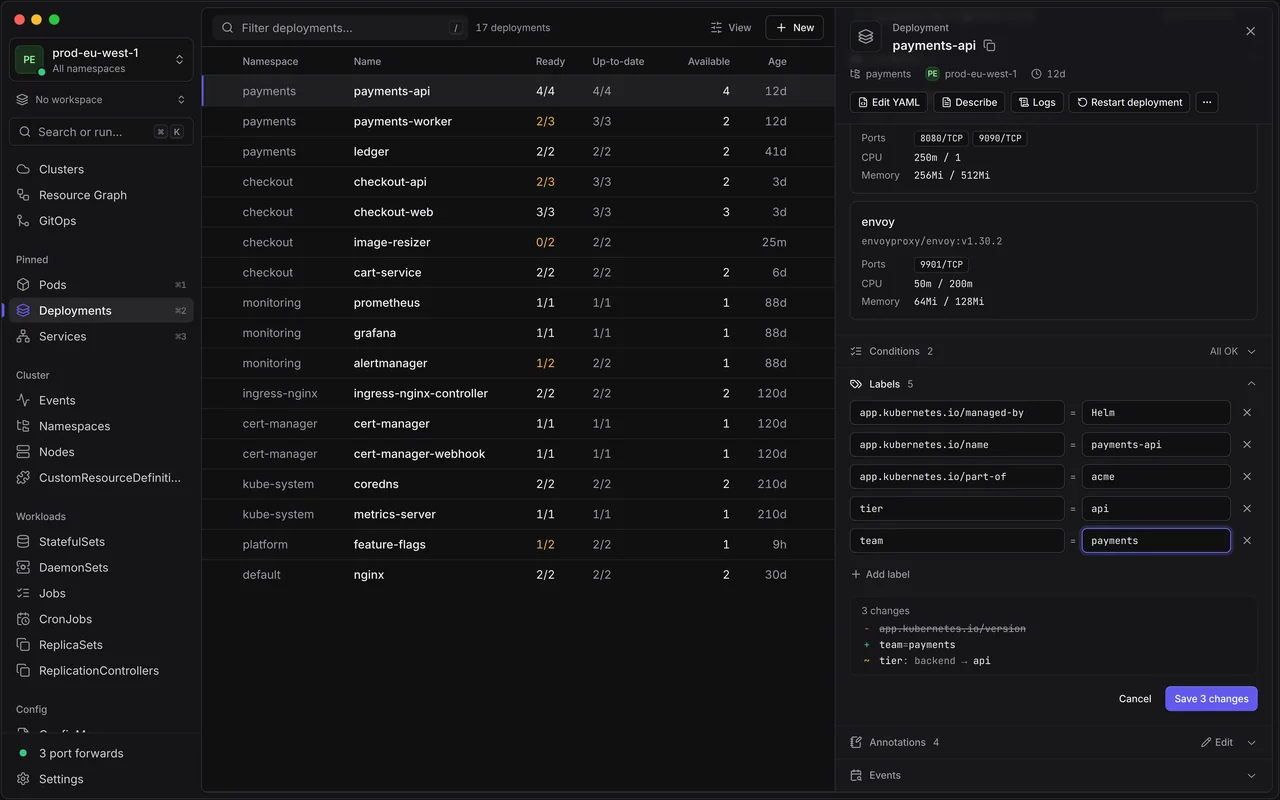
Labels, annotations and node taints, with a preview of every change before you save.
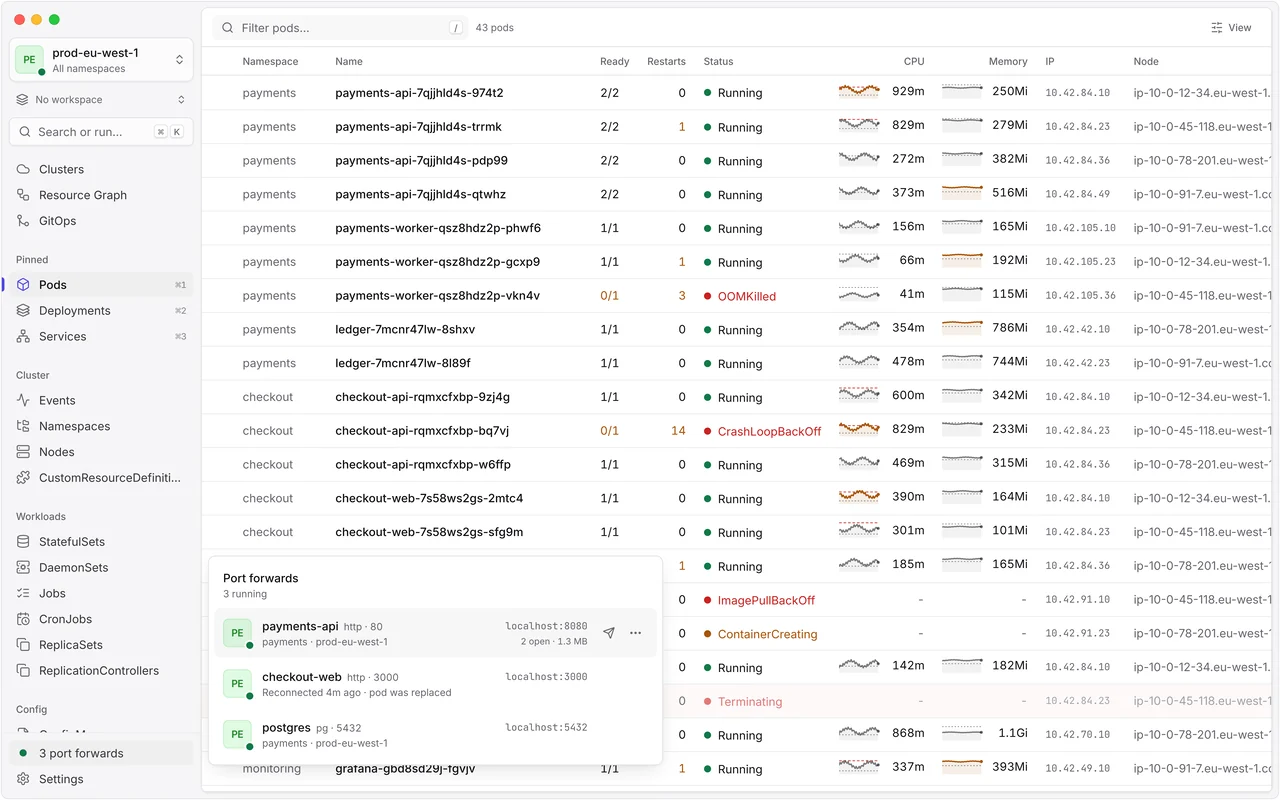
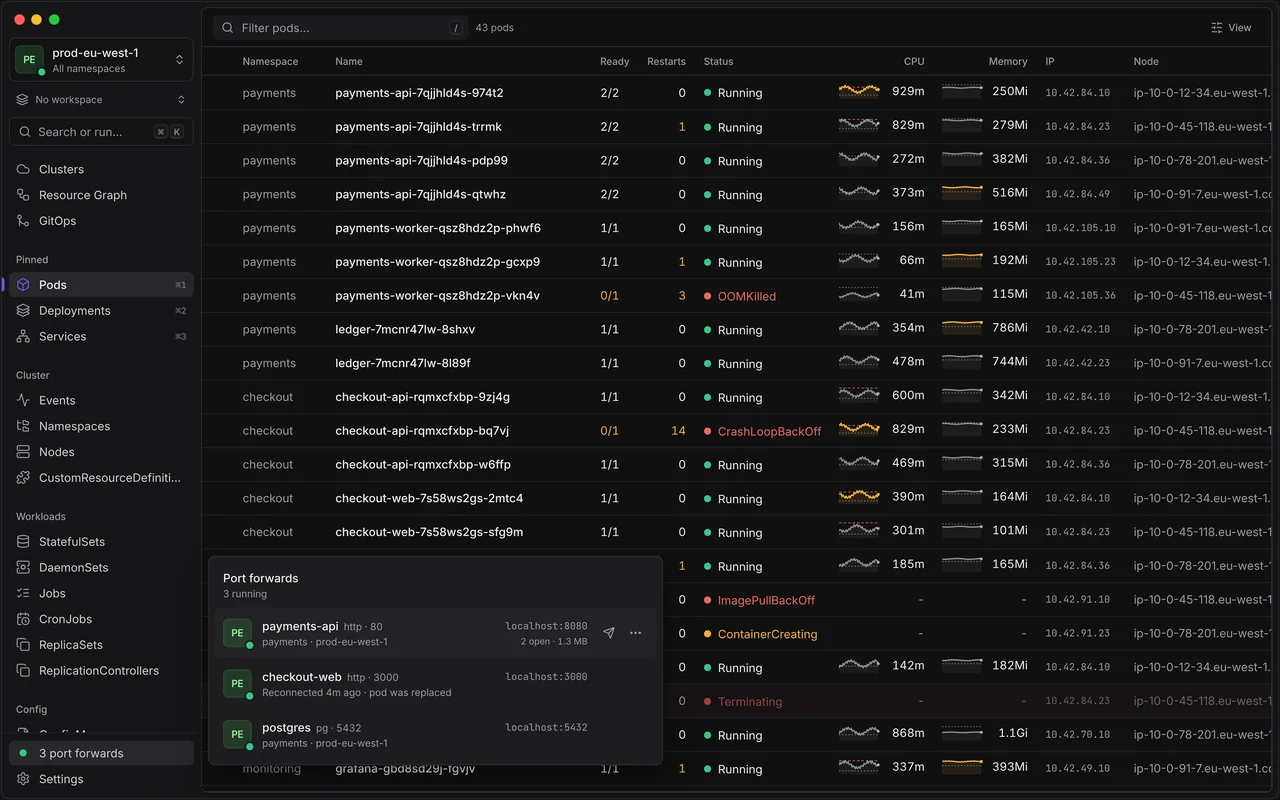
Forwards follow their pod through restarts and rollouts, and an HTTP tester sends them requests.
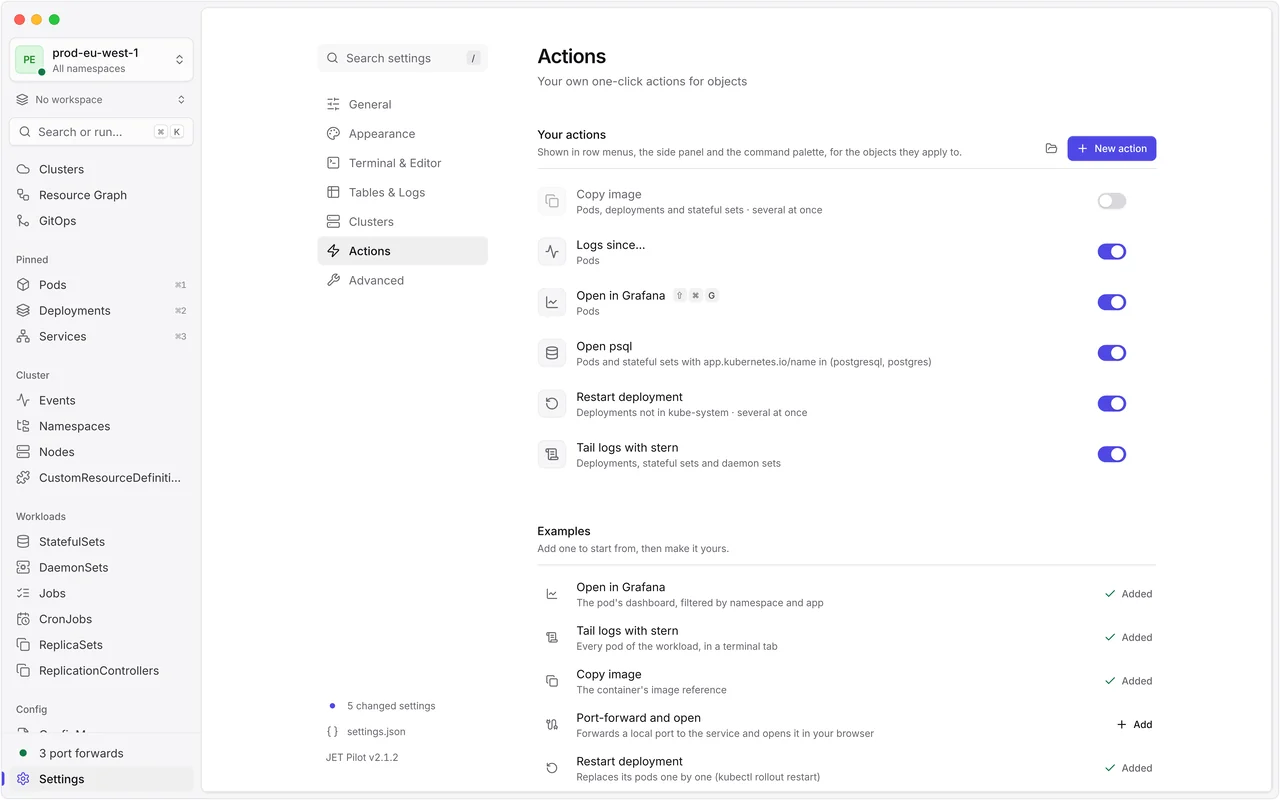
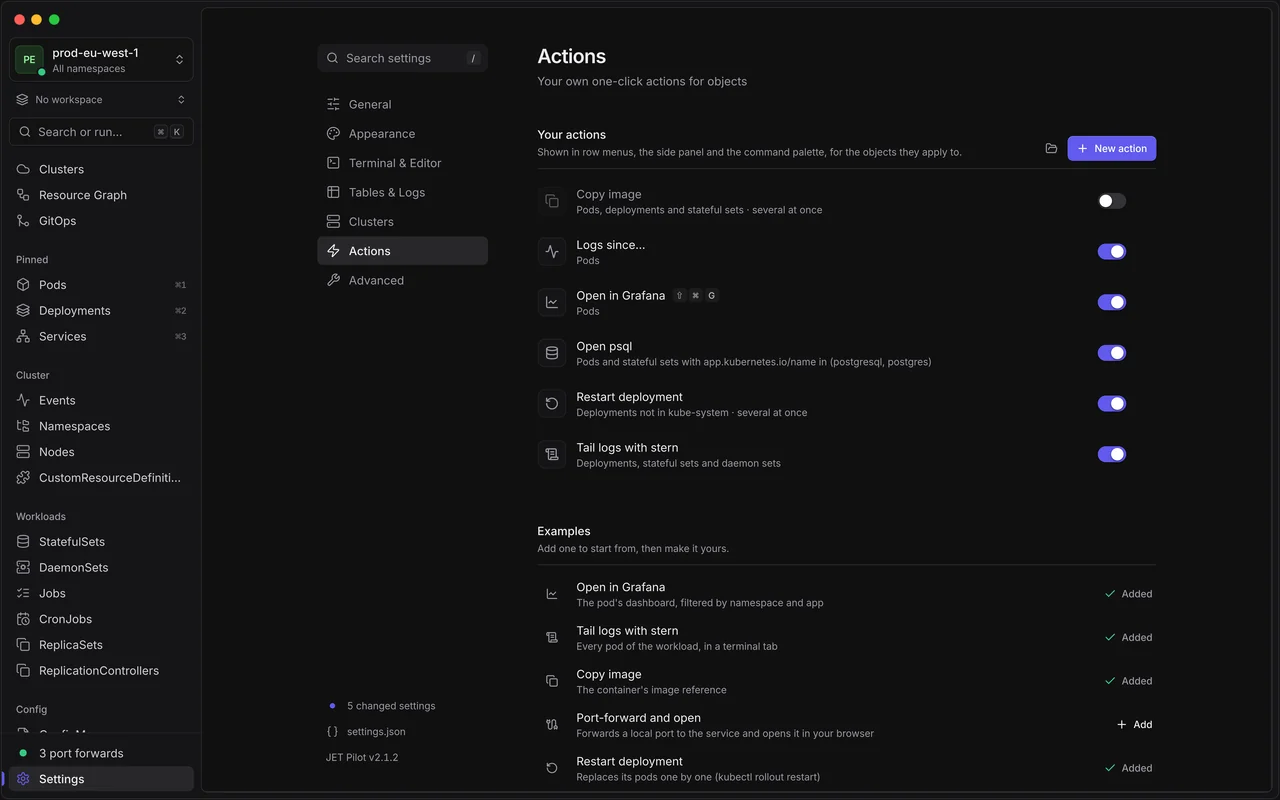
Small YAML files become one-click actions in row menus, the side panel and the command palette.
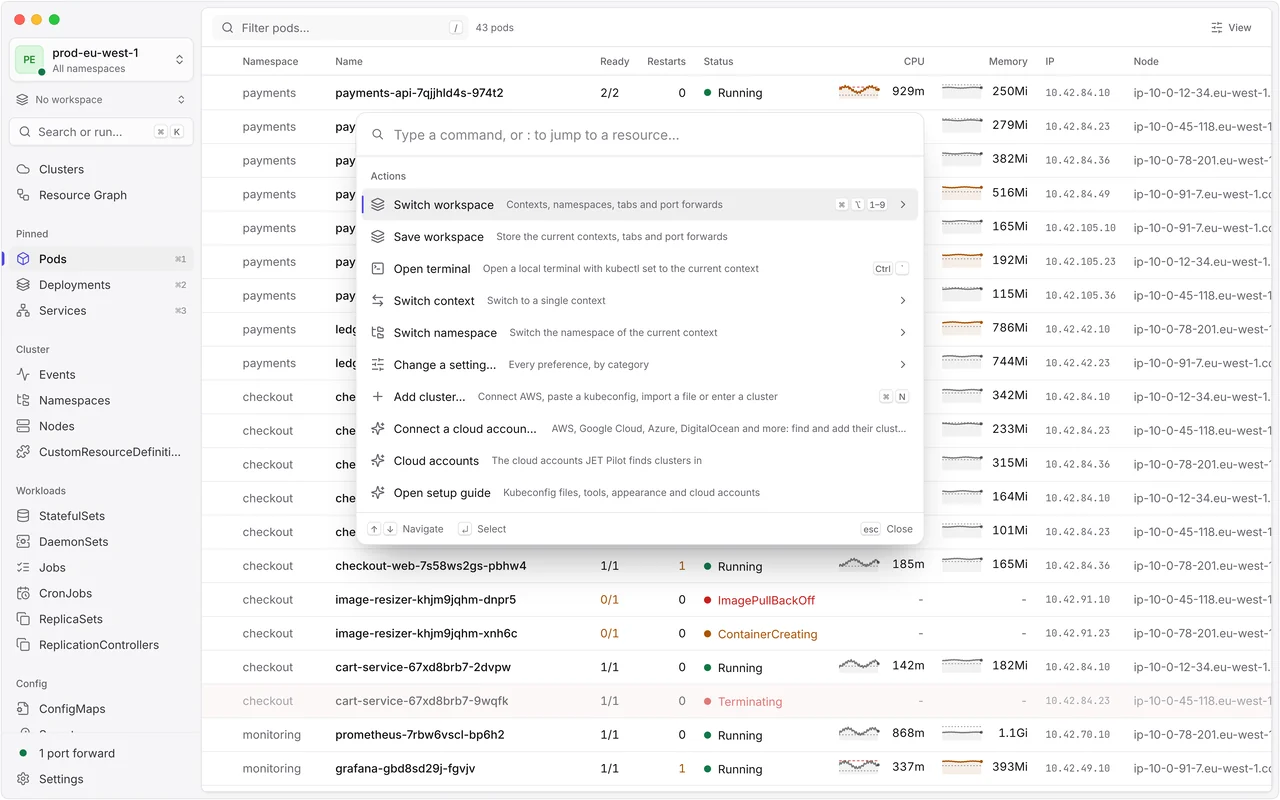
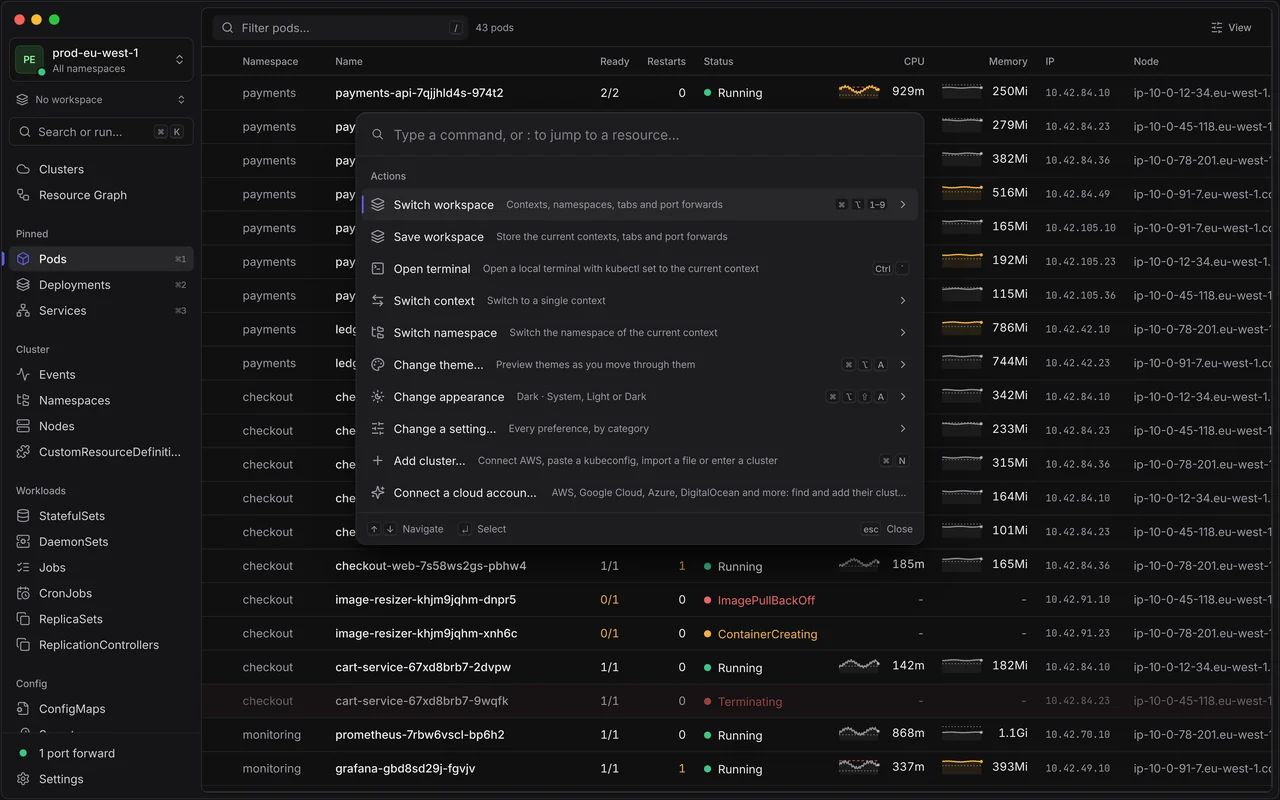
⌘K or Ctrl+K for resources, settings and clusters, and k9s-style keys for the rest.
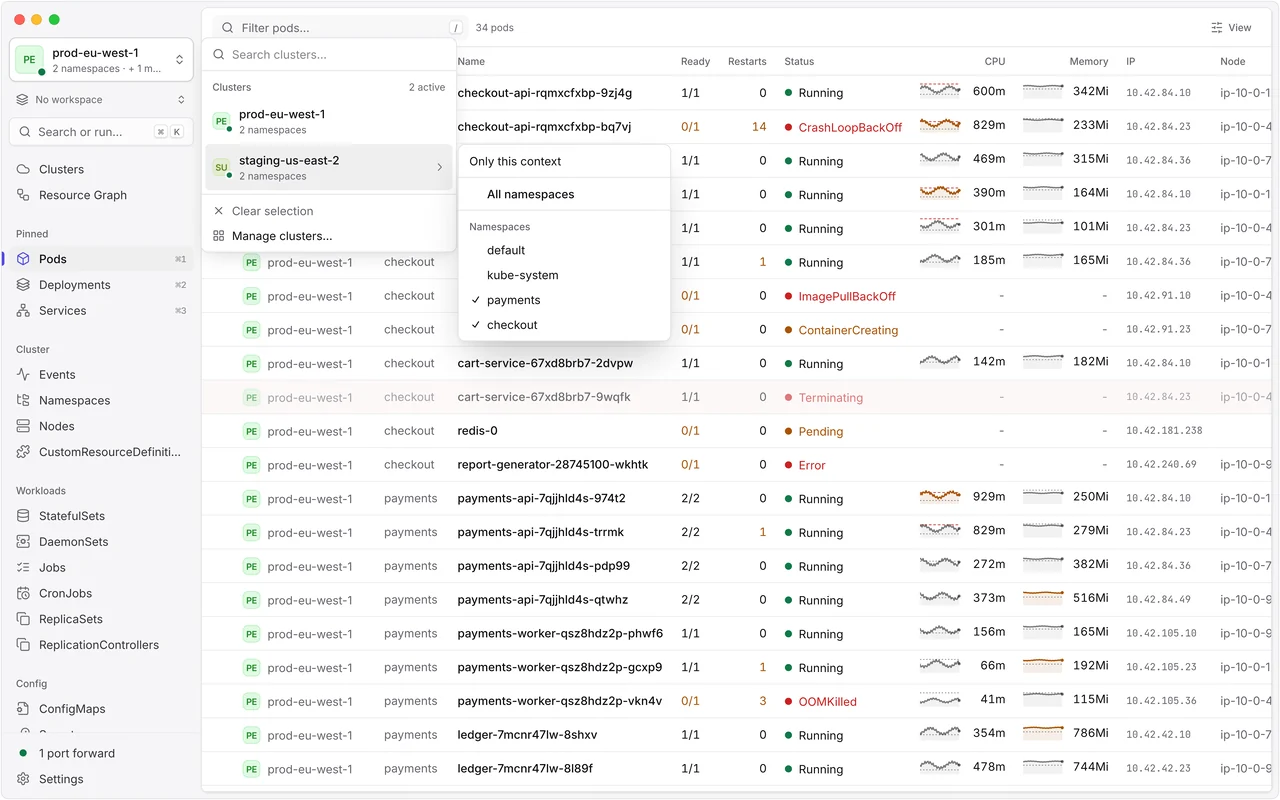
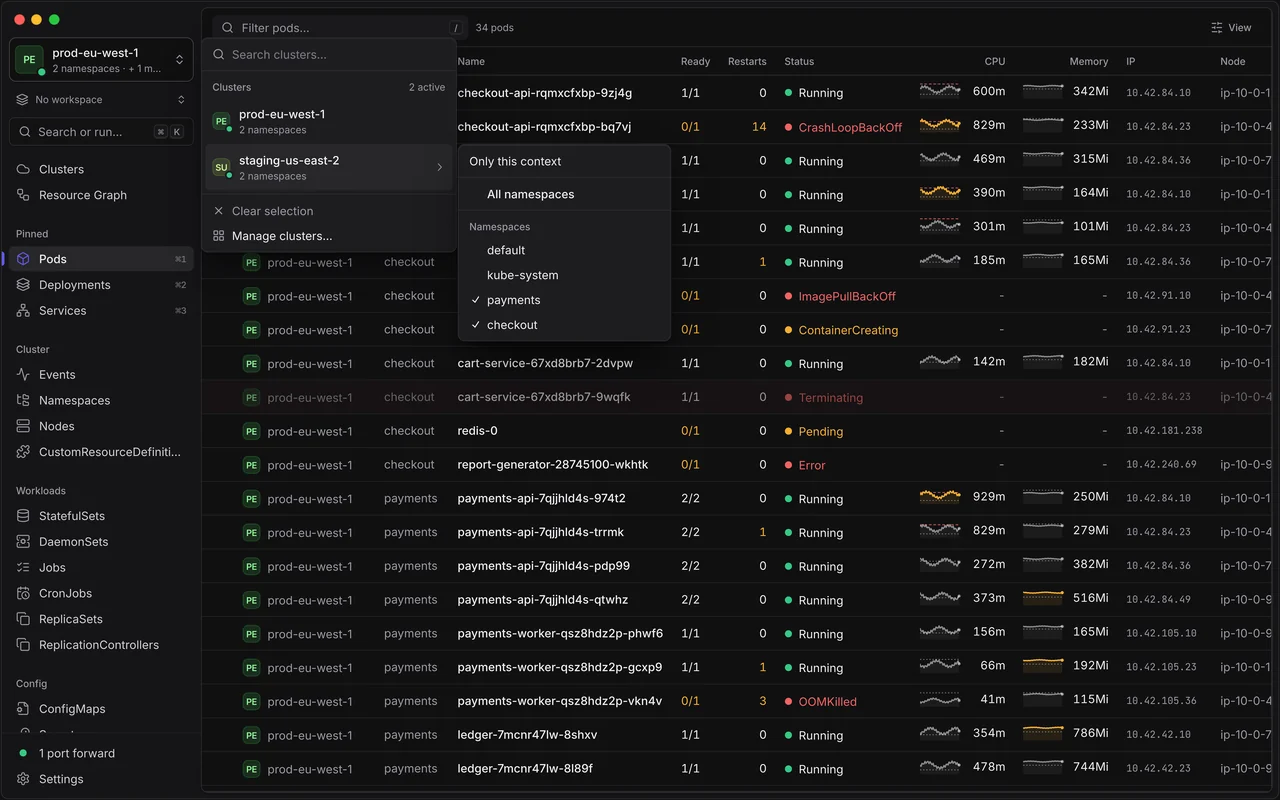
Pick contexts and namespaces from one switcher; tables merge them, with a Context column.
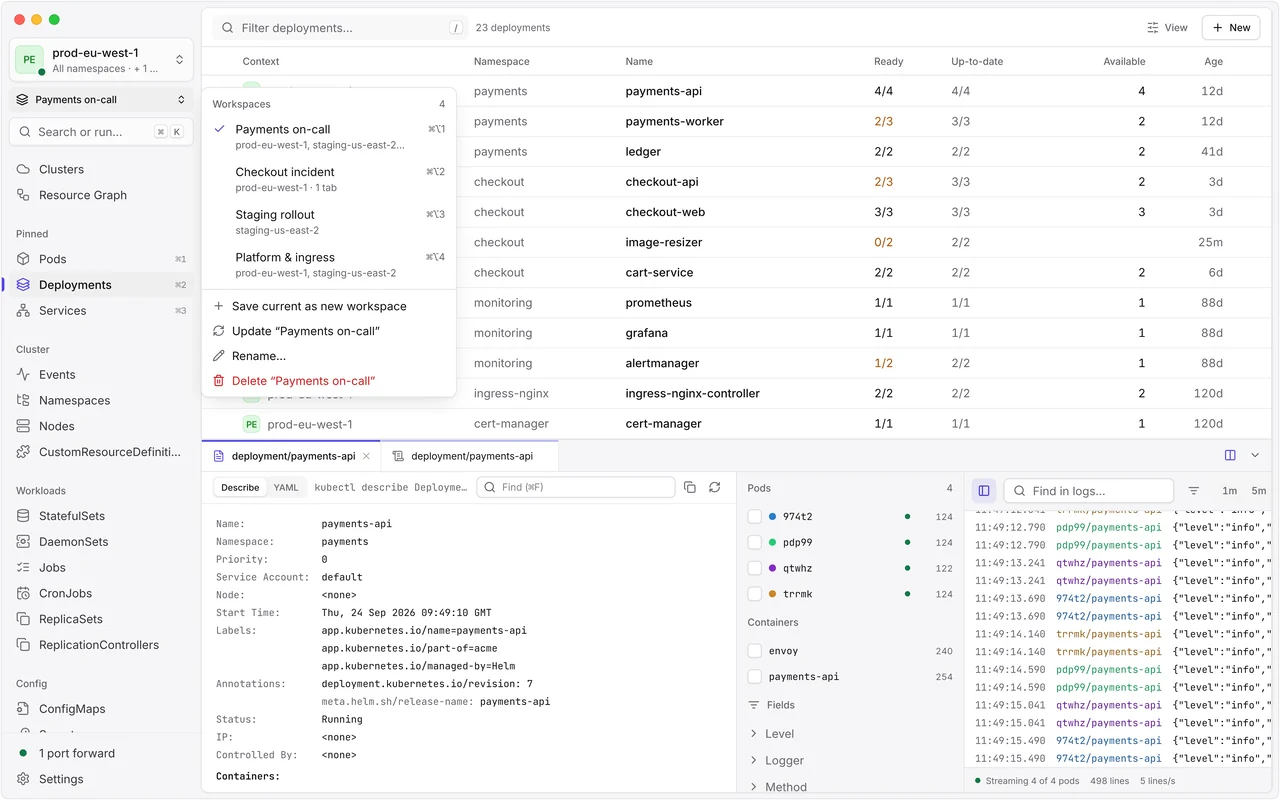
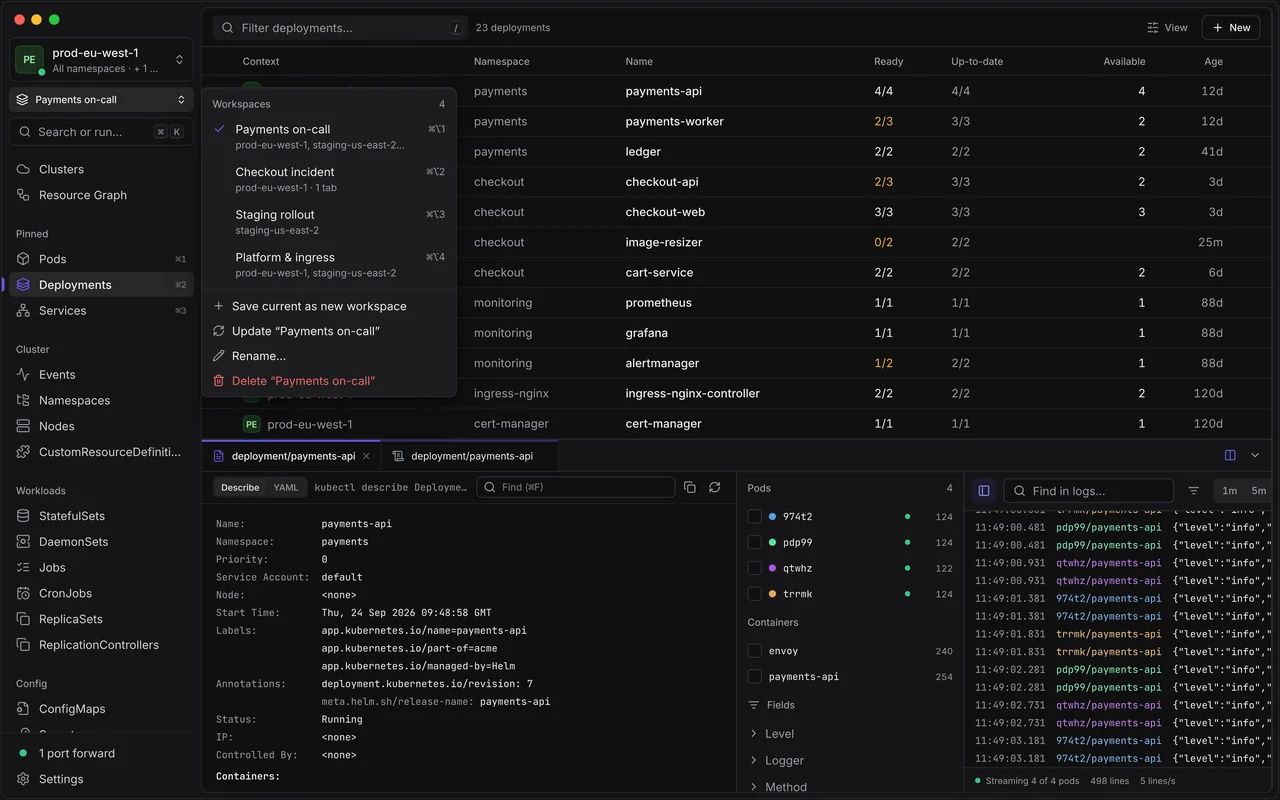
Save contexts, tabs and port forwards, switch in one keystroke, and split two tabs side by side.
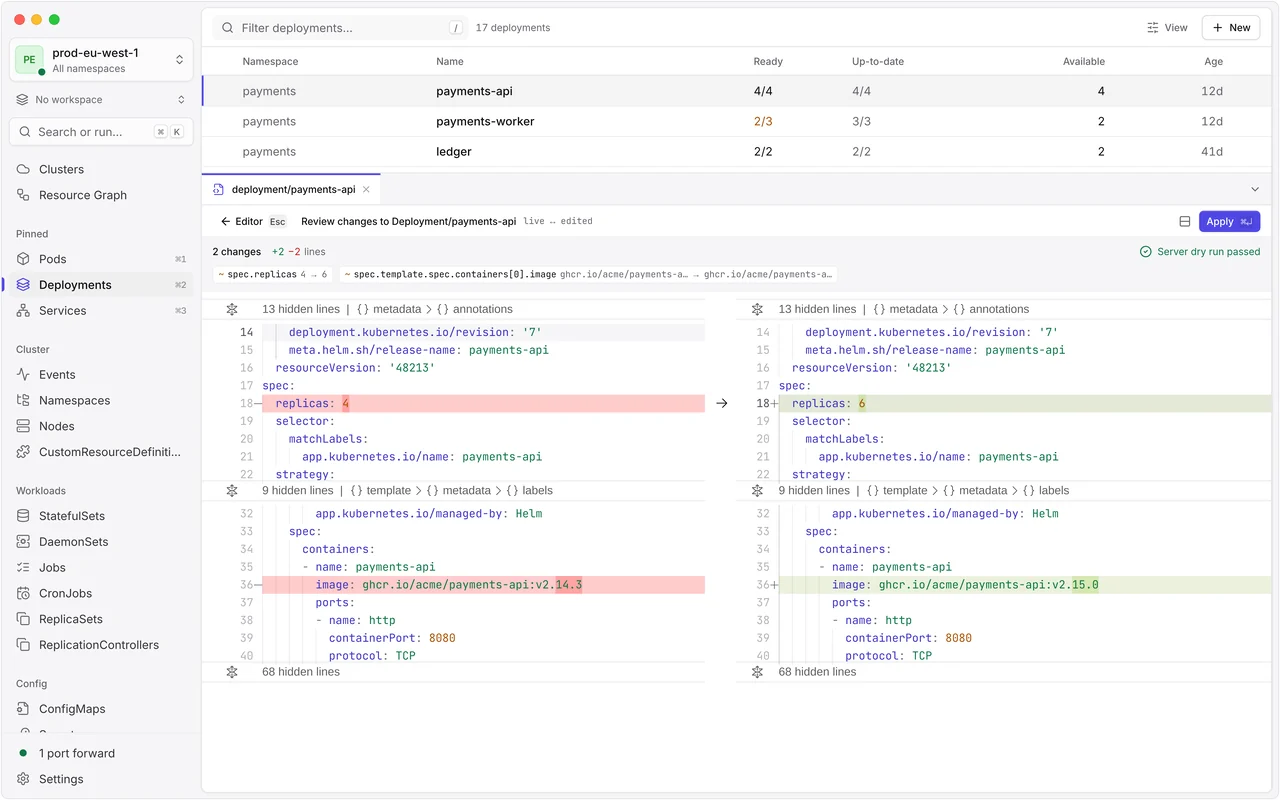
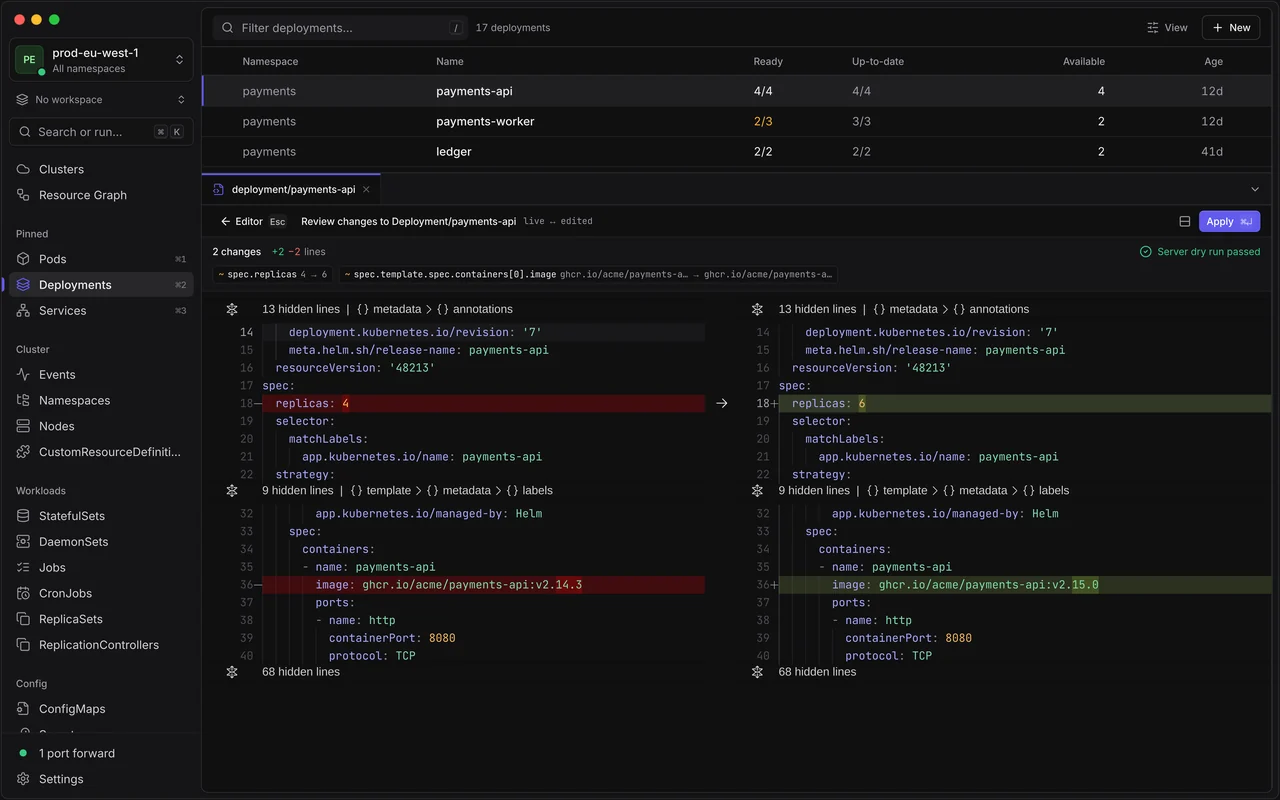
YAML with your cluster’s own schemas, then a diff and a server-side dry run.
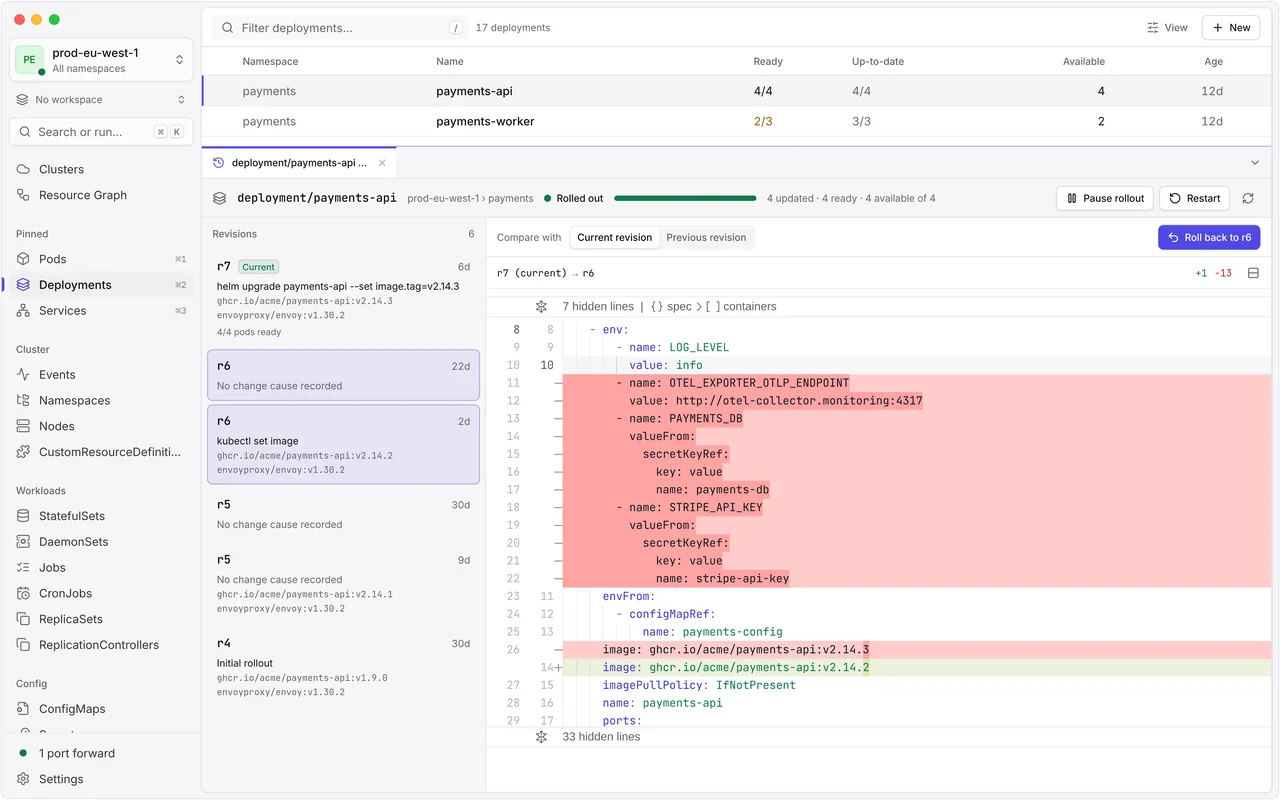
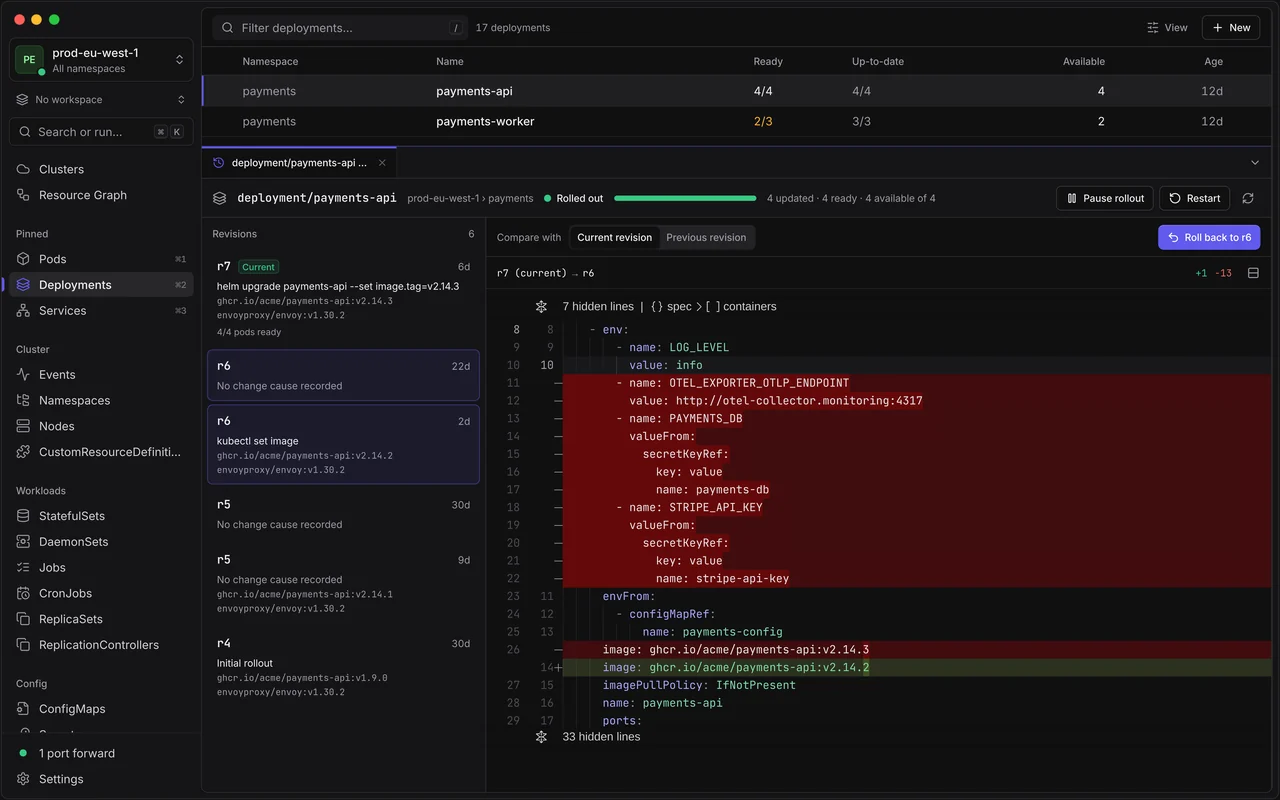
Rollout history with a diff per revision, pause, restart and a safe rollback.
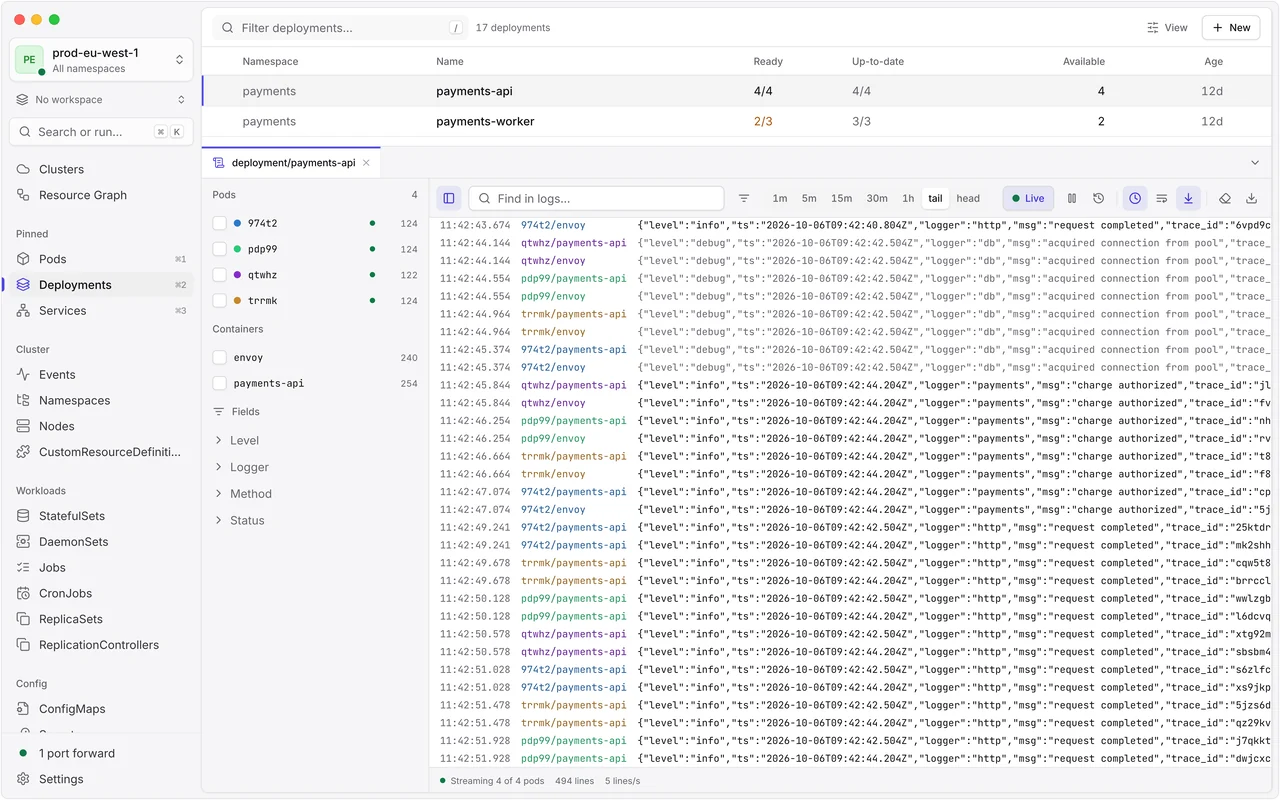
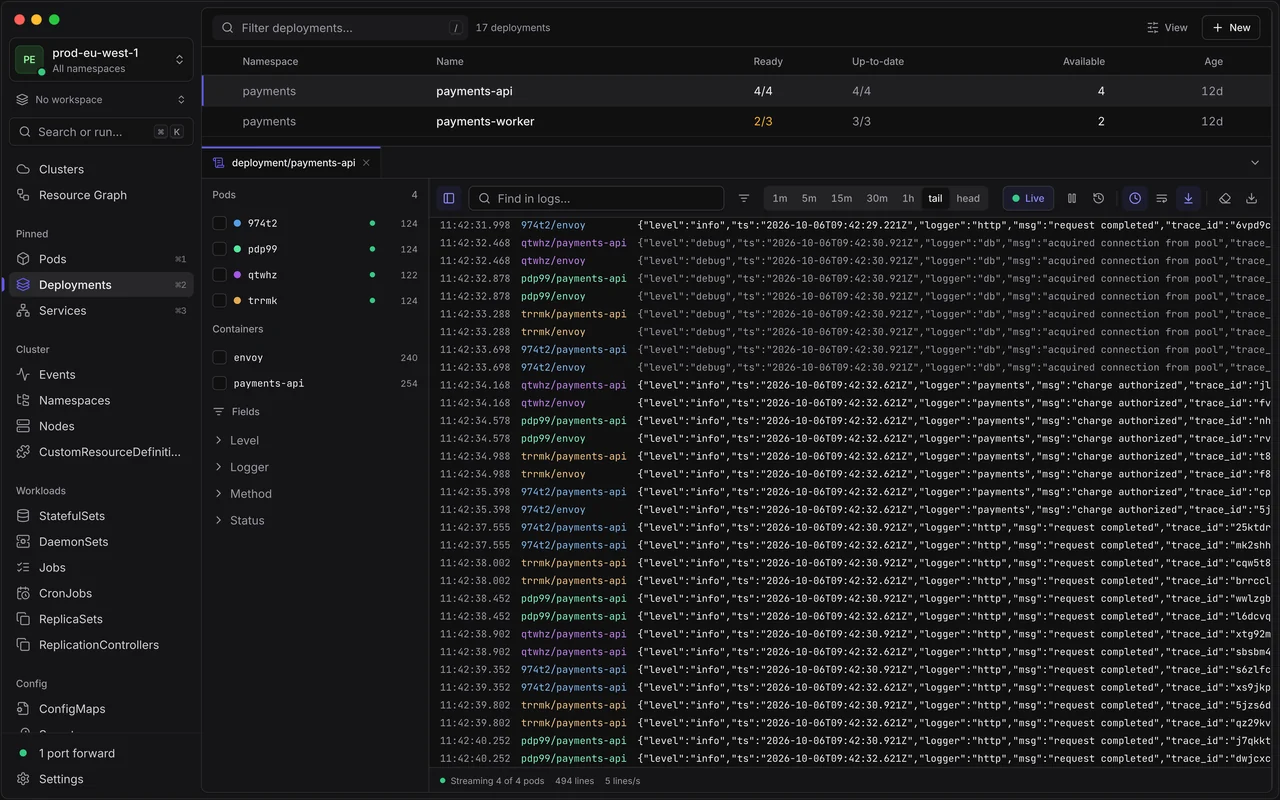
Follow all pods of a Deployment, StatefulSet, DaemonSet, Job or Service at once, with JSON parsed into fields.
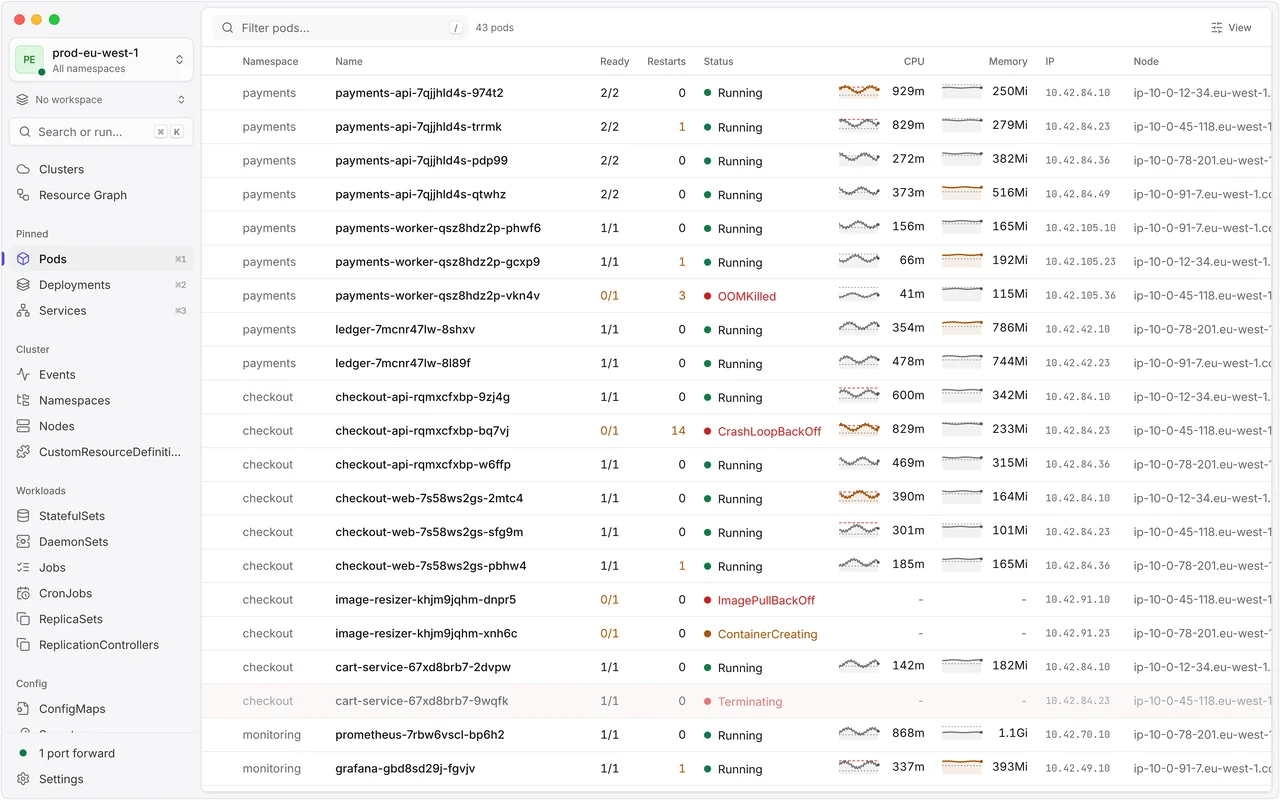
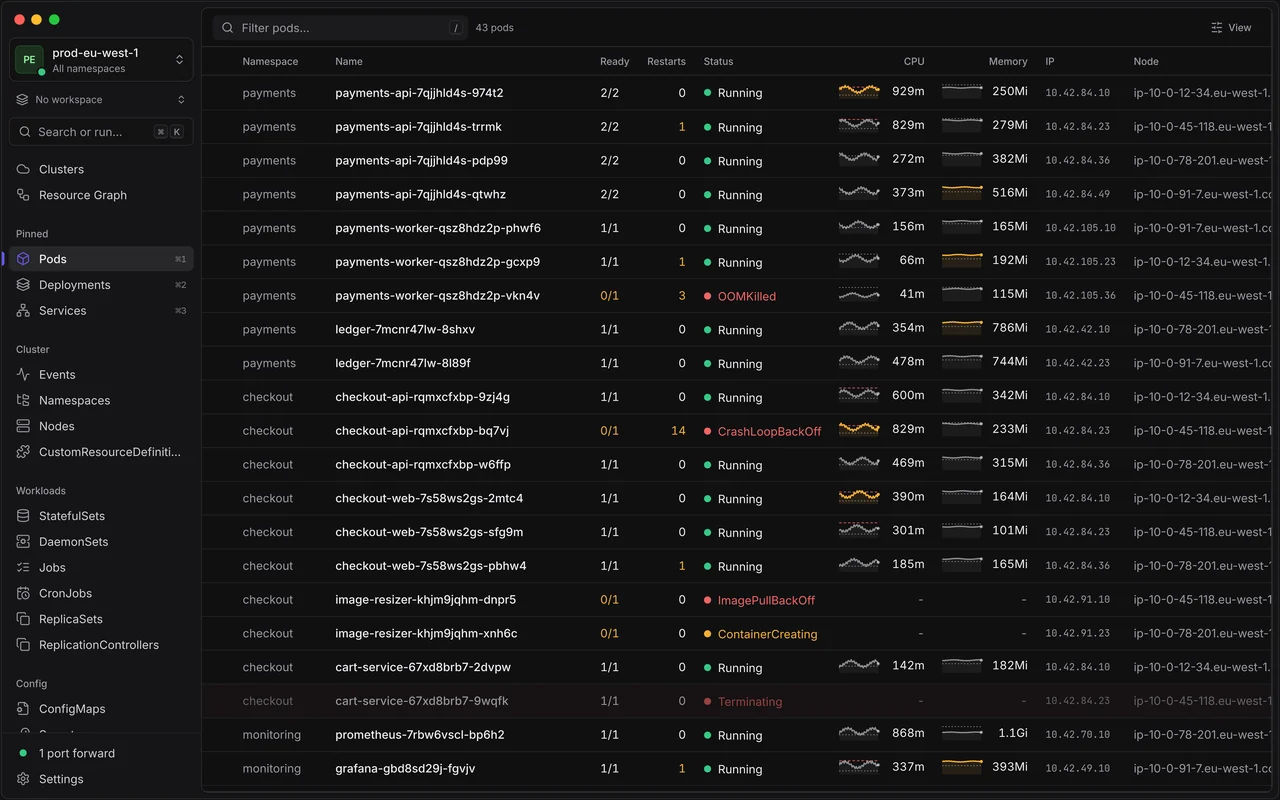
Tables stream changes from the API server, with CPU and memory sparklines for every pod.
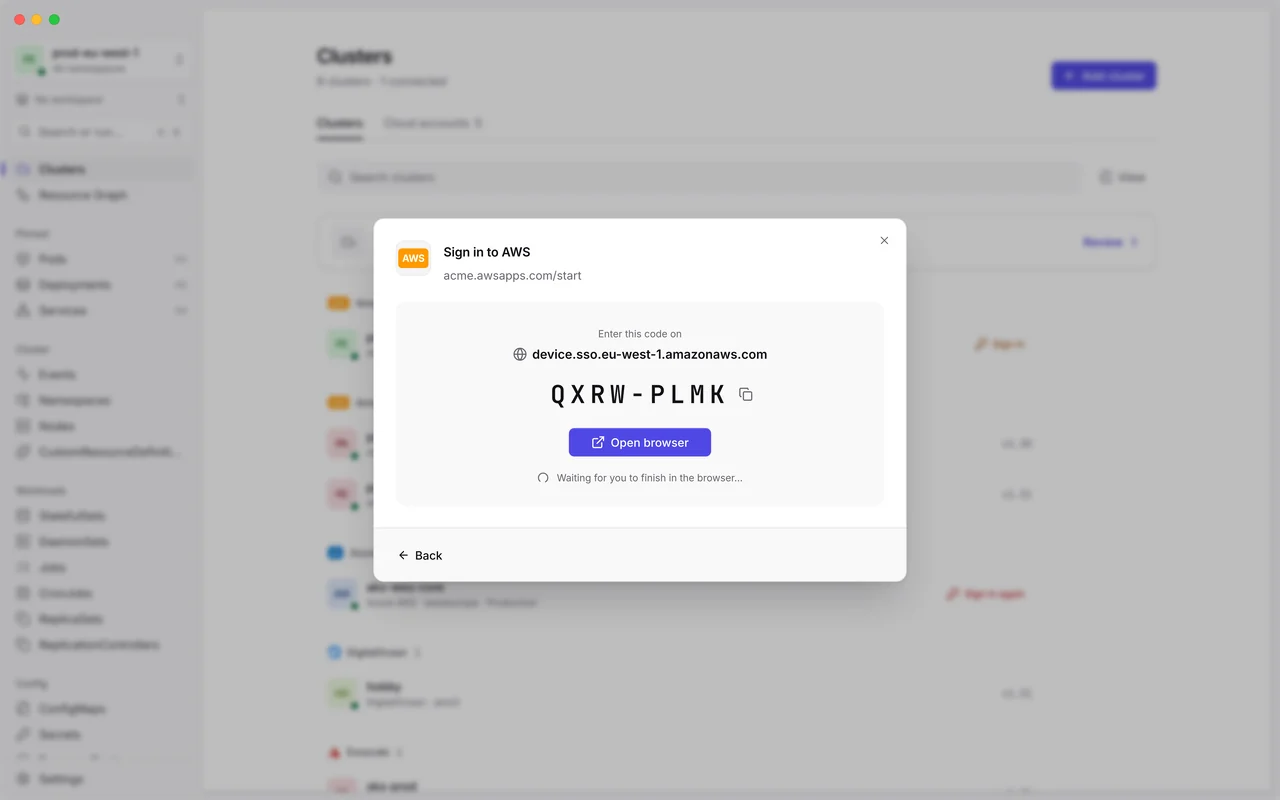
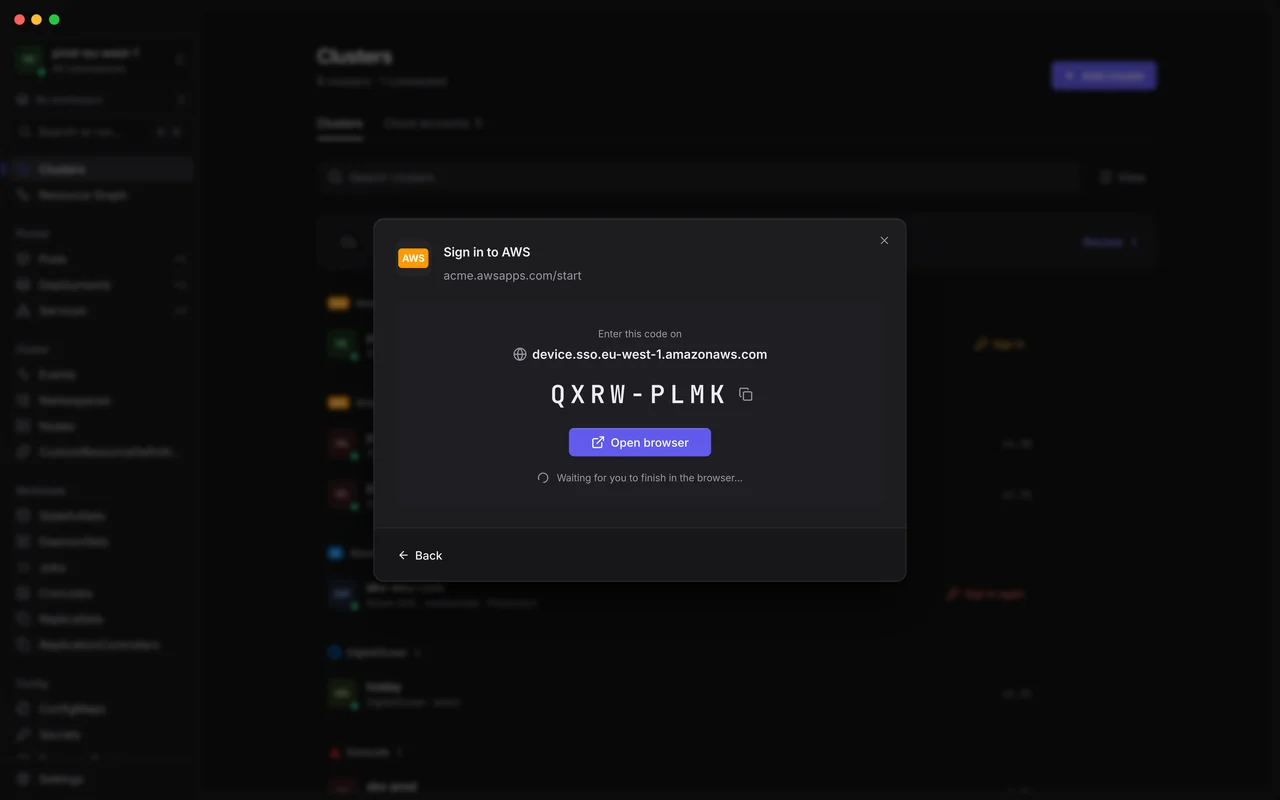
Device codes and browser sign-ins for kubelogin, gcloud, az, AWS and OIDC plugins appear right in JET Pilot.
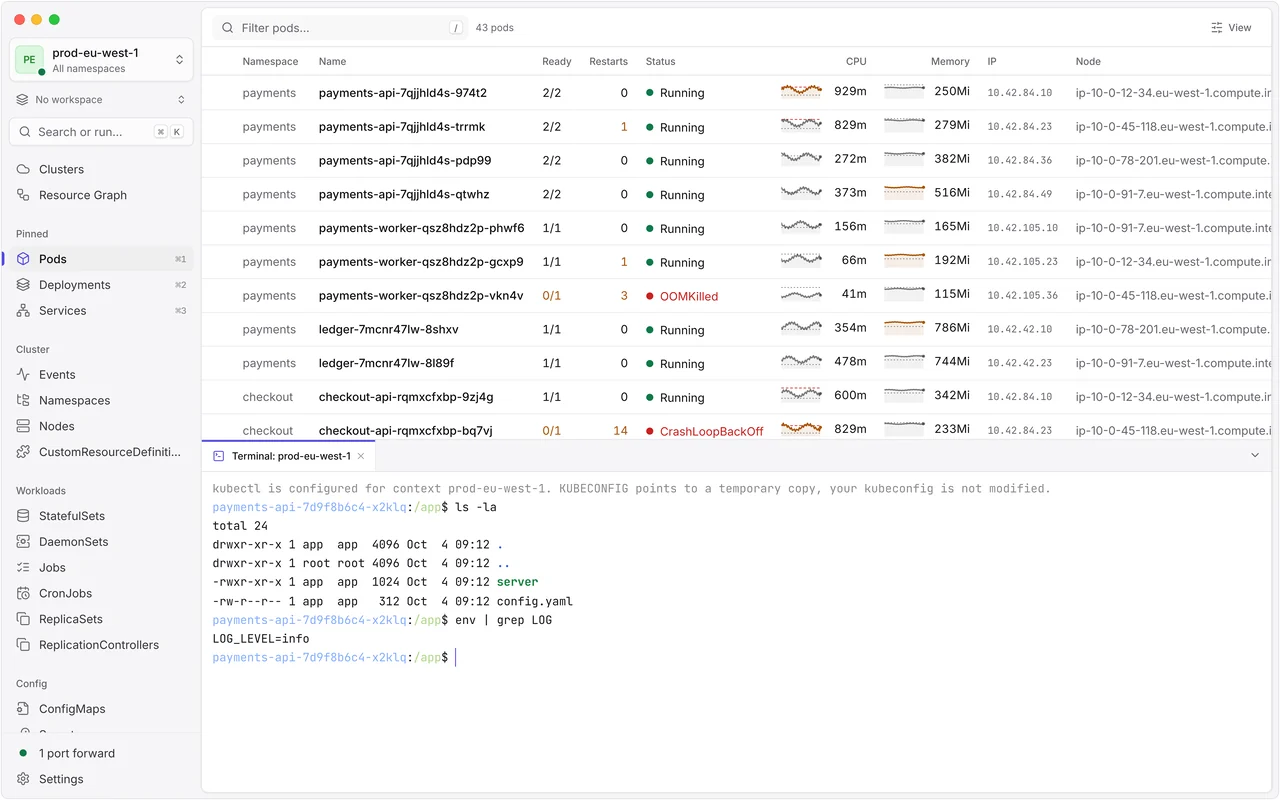
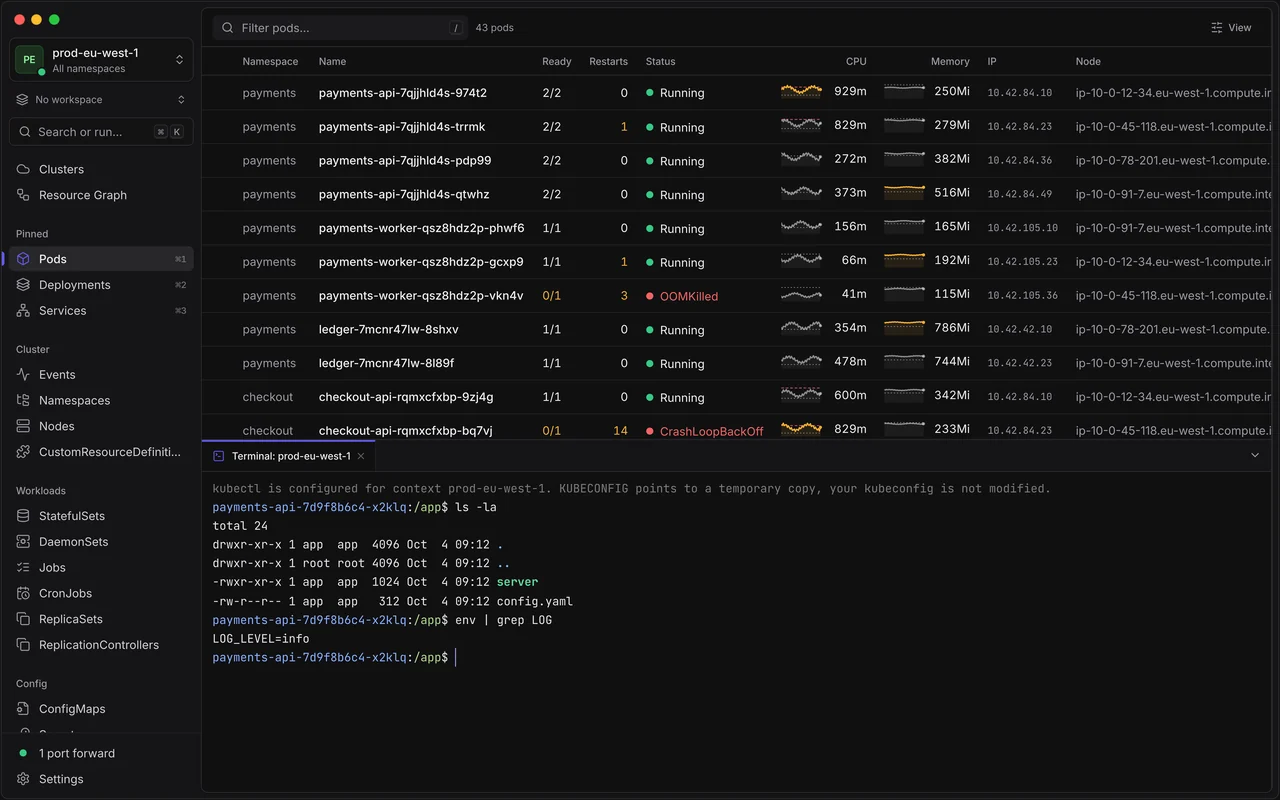
Ctrl+` opens kubectl on the current context, without touching your kubeconfig.
Describe, YAML, browsing Helm releases and port forwards work without kubectl or helm.
Any custom resource shows its CRD’s own columns, live, and well-known projects get their own section.
Type the name before anything destructive, or make a cluster read-only.
Tokens and keys stay in your system keychain, and added clusters work in kubectl and k9s.
Add clusters from a kubeconfig, or by hand with a token or client certificate.
Finds your kubeconfig files and tools, and connects your clouds in a few steps.
Every preference in one searchable place, or as settings.json with validation.
Shells into any container, ephemeral debug containers, node shells and file copies.
A strict content security policy, minimal permissions, and Secrets that stay in memory.
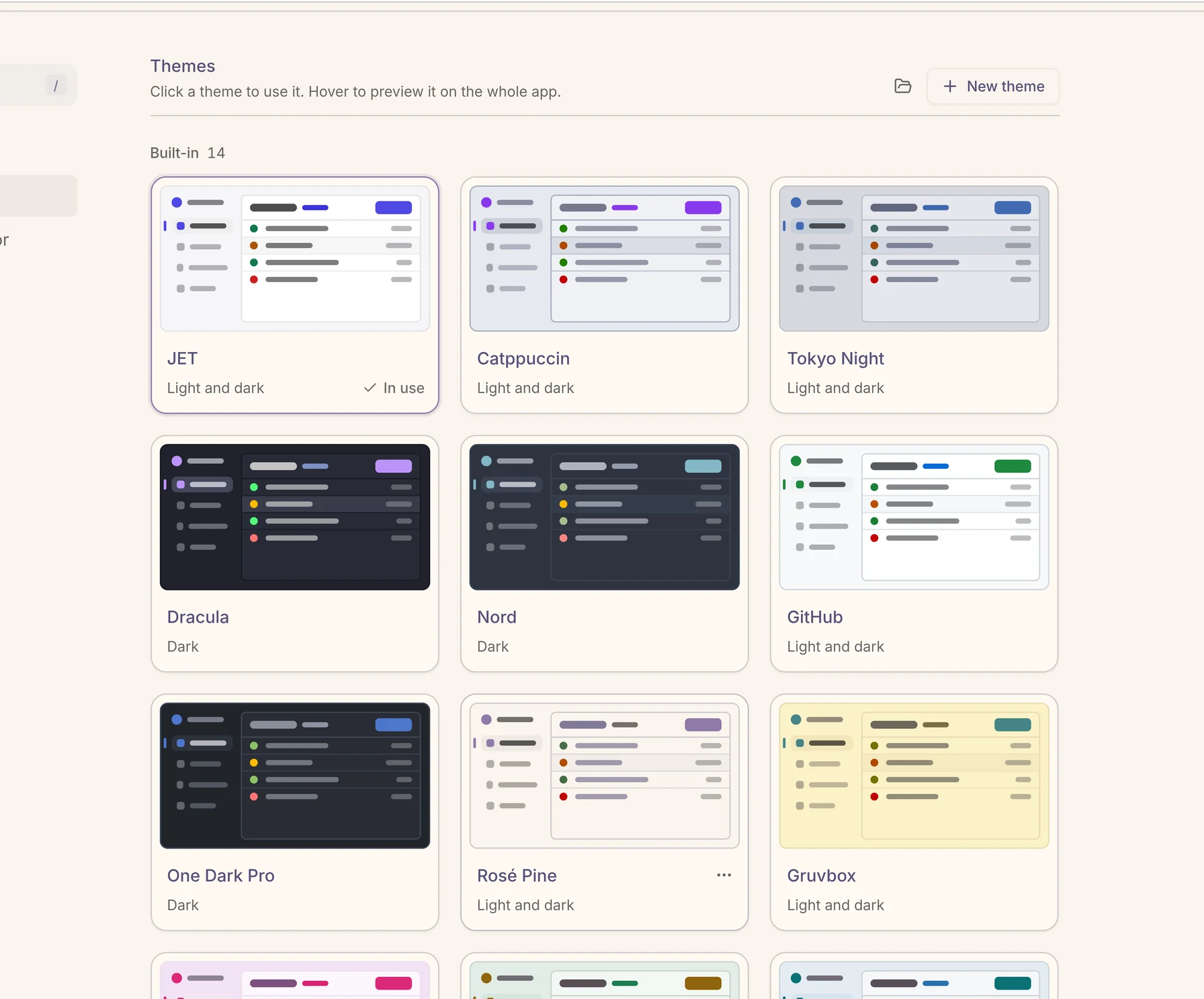
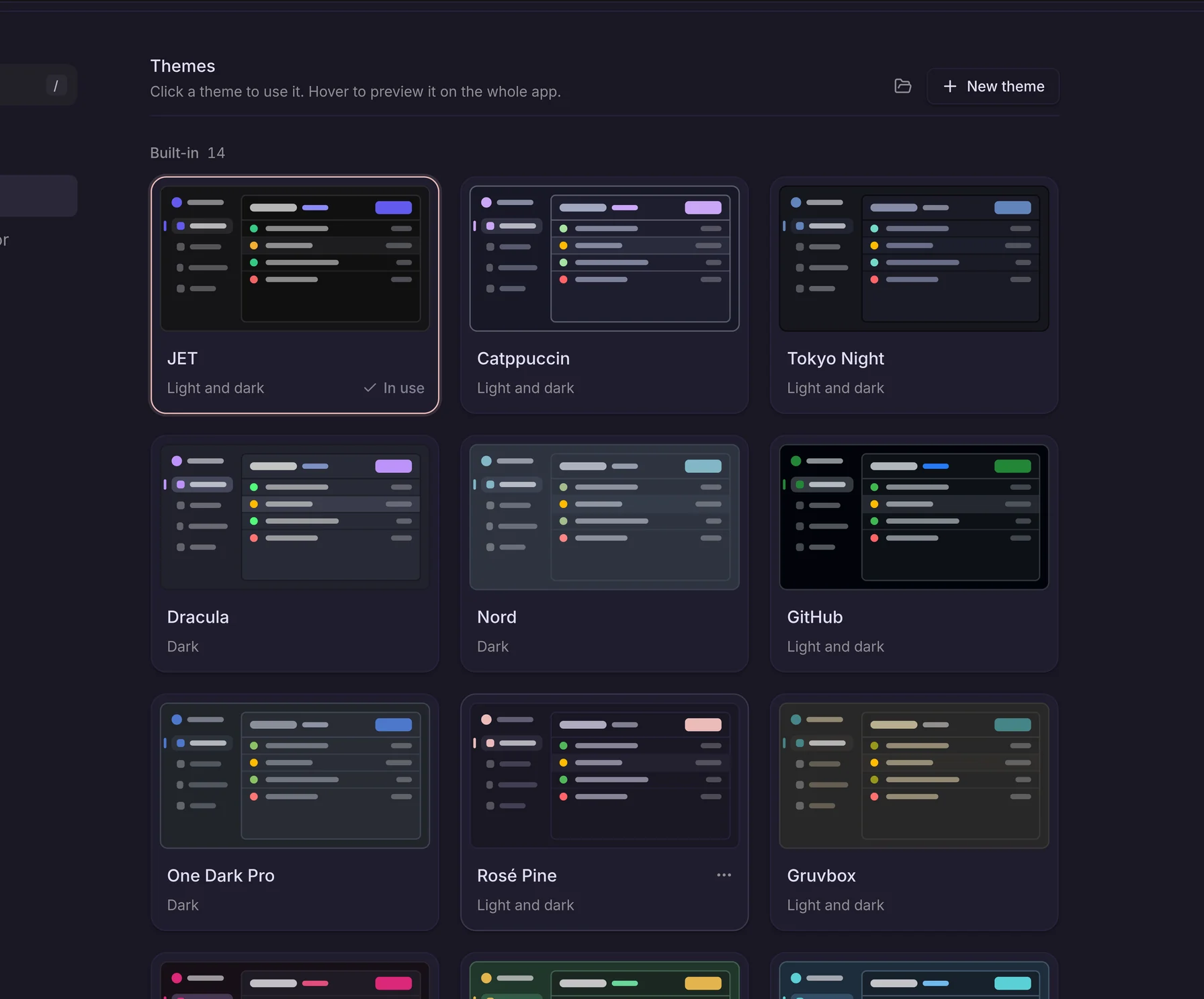
Pick one of 14 built-ins or bring your own. The sidebar, tables, YAML editor and terminal all follow, in light and dark.
Free for everyone, forever. Always the latest release.
Apple Silicon & Intel
Not sure which Mac you have? Apple menu → About This Mac: “Chip: Apple M…” means Apple Silicon.
Windows 10 or later · x64
SmartScreen may warn about the unsigned installer: choose More info → Run anyway.
glibc 2.35+ (Ubuntu 22.04 or newer)
ARM64 (aarch64) Linux builds arrive with the next release.
AppImage: run chmod +x on the file first.
JET Pilot isn’t notarized by Apple: it’s free and open source, and we’d rather not pay Apple’s yearly fee. So on first launch macOS may say the app is “damaged” or refuse to open it. Remove the quarantine flag once and you’re good. Auto-updates keep working.
xattr -dr com.apple.quarantine "/Applications/JET Pilot.app"Run it in Terminal after moving JET Pilot to Applications. Not needed with Homebrew: the tap does it for you.
Install from our tap in one line. It opens right away, no quarantine step.
brew install --cask unxsist/tap/jet-pilot Installed it from homebrew/cask before? Run brew uninstall --cask jet-pilot first: Homebrew’s main repository only carries notarized apps now. Older versions are on GitHub Releases.
MIT licensed and developed on GitHub since December 2023. No paid tier, no feature gates, no account wall: a tool made by people who use Kubernetes every day.
Something else? Open a GitHub issue and we’ll take a look.
xattr -dr com.apple.quarantine "/Applications/JET Pilot.app" once. Auto-updates keep working afterwards. Installing with Homebrew (brew install --cask unxsist/tap/jet-pilot) takes care of this for you.chmod +x JET.Pilot_*.AppImage, then run it. Prefer packages? Use the .deb (Debian, Ubuntu) or .rpm (Fedora, RHEL) instead.kubectl for some tasks and helm to install, upgrade and roll back charts; if you don’t have them, Settings › Advanced downloads checksum-verified copies. It works with any conformant cluster you can reach, including exec-plugin and SSO sign-ins such as kubelogin, AWS IAM Identity Center, gcloud and az.~/.kube/config, $KUBECONFIG, ~/.kube/*.yaml and ~/.kube/config.d, and the Clusters hub lists every context in them. Select several contexts and namespaces together: tables aggregate everything and show Context and Namespace columns so you always know where a resource lives.kubectl. Changes show up in a fraction of a second — about 200 ms from scaling a Deployment to the update on screen in our tests against a real kube-apiserver — and coming back to a view is instant.include chains too) and .tmTheme-style colour schemes. Drop the file on Settings › Appearance, or install a theme from an open theme gallery inside the app. The theme’s interface colours become JET Pilot’s palette, its syntax colours the YAML editor and its terminal colours the terminal. Want to see it first? Preview your theme on the website: it’s converted in your browser.MIT OR Apache-2.0). That still covers most popular themes. A theme under another licence isn’t blocked: you can import a file you already have yourself.~/.kube/jet-pilot/config, with their tokens and keys in your system keychain. The built-in terminal uses a temporary, owner-only kubeconfig that contains just the current context.jetpilot-auth, so KUBECONFIG=~/.kube/config:~/.kube/jet-pilot/config kubectl get pods works, and so does k9s. Settings › Advanced shows the line to copy.brew upgrade --cask unxsist/tap/jet-pilot.